Pinpad
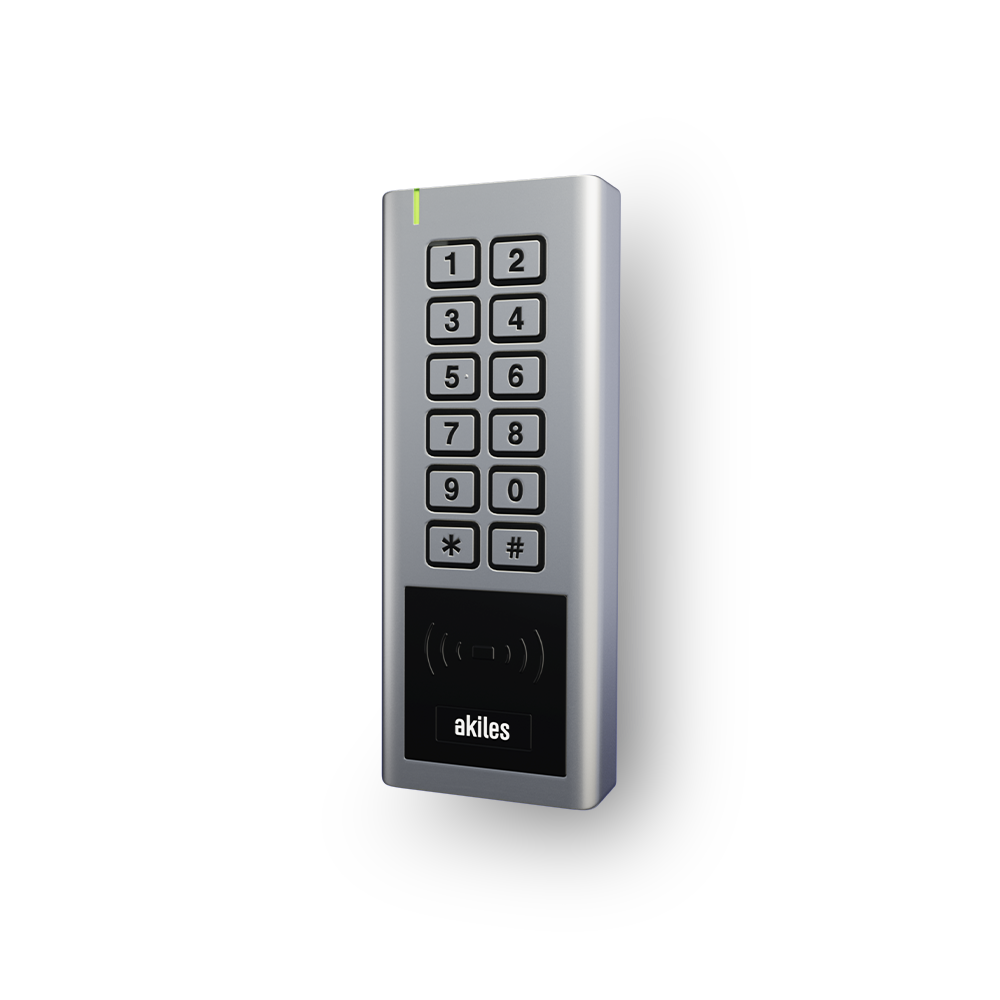
The Akiles Pinpad electronic keypad, fully integrated into the Akiles access management ecosystem, is a device that:
- Can be powered either via a power supply or by AAA batteries
- Connects to the Akiles Cloud through another Akiles device that connects directly to it, via Bluetooth 5
- Allows opening with the users’ smartphone (Akiles app), with contactless RFID/NFC technology (by presenting a valid card) and by entering a PIN code (mechanical keypad)
It can be configured as a remote keypad, delegating door opening to another Akiles device, or alternatively as a local keypad, being capable of directly managing an electrified access through connection to an electric door opener.
The Akiles Pinpad device is vandal-resistant and suitable for outdoor installation. It is the perfect solution for any type of door, room, office, common areas, etc.
| Device | Connectivity | Power | Part Number | Manual |
|---|---|---|---|---|
| Pinpad | Bluetooth 5 | mains and AAA batteries | 91.0501.01 | Installation Manual |
Troubleshooting
When the Akiles Pinpad device is Offline, it is necessary to identify whether this is because the Akiles device has no electrical power, or there is no connection with the Akiles device that connects directly to the Akiles Cloud. To do this, we must check if the LED indicator is on and the number of flashes it makes.
| LED Indicator Color | Connection to Akiles Cloud | Number of Flashes | Diagnosis | Solution |
|---|---|---|---|---|
| Blue | Online | None | None | None |
| Yellow | Offline | 1 | Device not correctly connected to its central device | Check the status of the central device and/or the RSSI coverage between both |
| Yellow | Online | 2 | Device not correctly connected to one or more Akiles peripheral devices | Check the status of the other Akiles peripheral devices |
| Purple | Offline | 1 | Device disconnected from the Wi-Fi network | Check that there is good Wi-Fi signal and that the network name (SSID) or password has not been changed, in which case they should be updated as explained here |
| Off | Offline | None | Device unplugged, space without electrical power or faulty transformer | - |