Roomlock
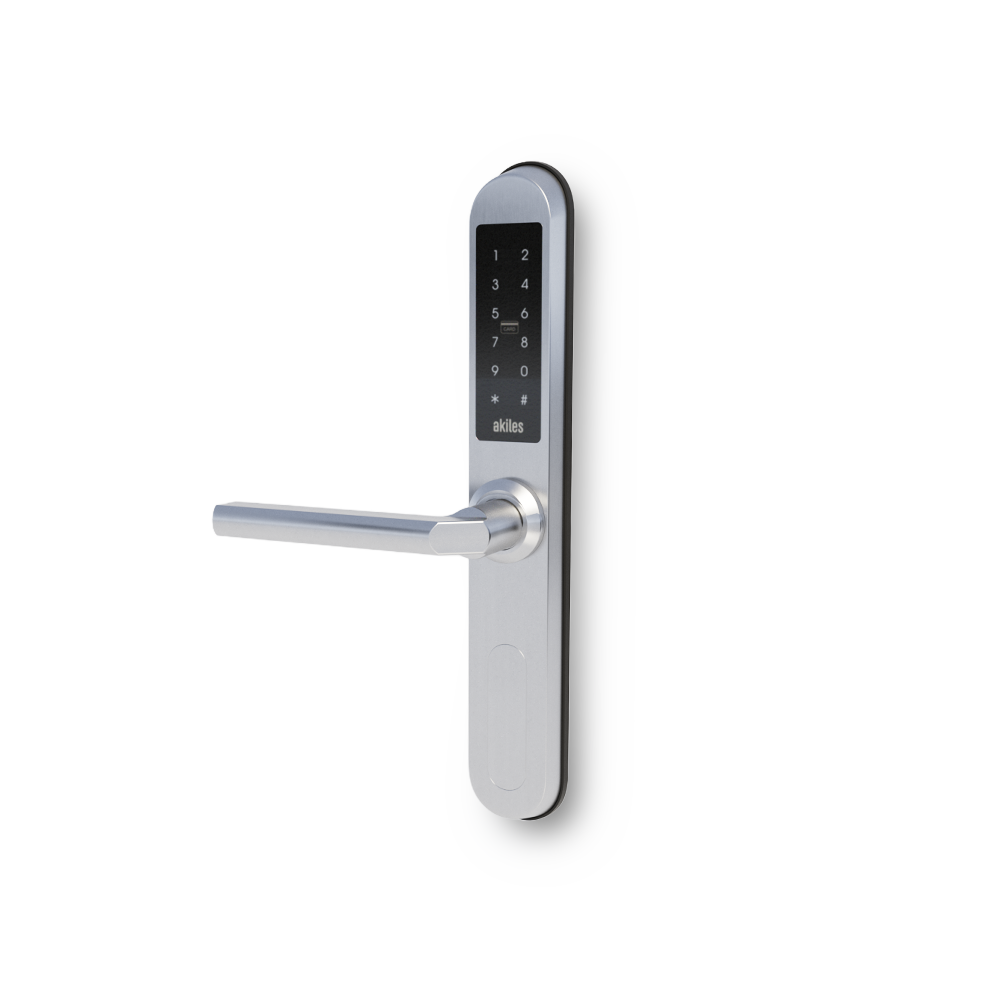
Akiles Roomlock is a device fully integrated into the Akiles access management ecosystem, battery-operated and very easy to install, which allows you to manage your access intelligently, connecting your doors to the internet, using users’ smartphones (Akiles app) as a virtual key.
It is also possible to open the door with contactless RFID/NFC technology (by presenting a valid card) and by entering a PIN code (capacitive keypad). It can be used with European mortise locks (DIN). It is the perfect solution for any type of door, room, office, common areas, etc.
It connects to the Akiles Cloud through another Akiles device that connects directly to it, via Bluetooth 5.
| Device | Connectivity | Power | Part Number | Manual |
|---|---|---|---|---|
| Roomlock | Bluetooth 5 | AAA batteries | 91.0401.DD | Installation Manual Drilling Template |
Troubleshooting
When the Akiles Roomlock device is Offline, it is necessary to identify whether this is because the device has run out of batteries or because it has no connection with the Akiles device that connects directly to the Akiles Cloud (sometimes because the distance between them is too great or because that device is also Offline).
To determine if it is due to low batteries, it is important to:
- Check if there is any Low battery Alert in the Administration Panel
- Check if when attempting to open with Bluetooth, NFC or PIN code the Roomlock makes any sound or flashing
If there is an Alert or if there is no sound or flashing during opening, we will need to proceed by changing the batteries. Here we leave you a video so you can see how to perform that operation.
To determine if it is due to lack of connection with the Akiles device that connects directly to the Akiles Cloud:
- Check if there is any Alert in the Administration Panel for master device Offline
- Check if when attempting to open with Bluetooth, NFC or PIN code the Roomlock makes any sound or flashing
If there is an Alert and it is possible to open, it is likely that we will need to focus on resolving the master device failure and also verify that the coverage between both devices is adequate, checking the RSSI from the Links section.