How can I change the billing account tax information?
You can edit your organization’s tax information at any time. The only data that cannot be changed is the tax ID (NIF). If you need to change it, please send an email to soporte@akiles.app so we can manage it for you.
To do this, you need to go to the Billing Account Information section and change the data you wish to update. Don’t forget to click Update when you’re done and notify us by email at soporte@akiles.app so we can review it.
Keep in mind that the email address listed in that information is the one that will receive invoices periodically.
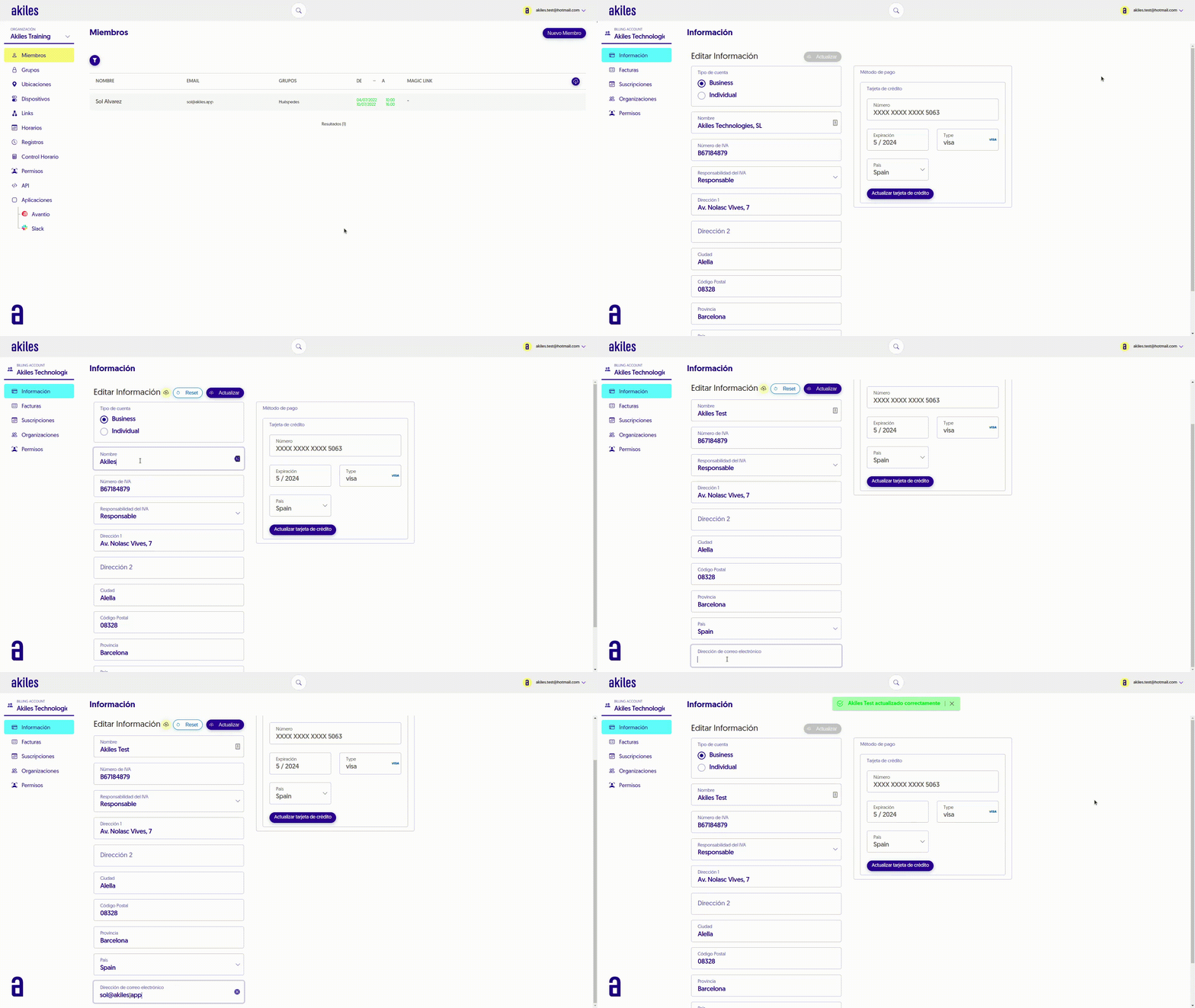
The new data will only appear reflected in invoices issued after the moment of change.