[Q2 2024] It's now possible to disable sound/lighting on Akiles devices
Users with Superadmin permission can now silence those Akiles devices that emit sound when used, as well as disable the LED lighting on those that emit light.
To do this, you must access the “Devices” section, and click on the device whose sound/lighting you want to edit.
In the “Info” tab, in the “Operating mode” section, two fields will appear: Audio and Visual, which will be in “Standard” mode by default.
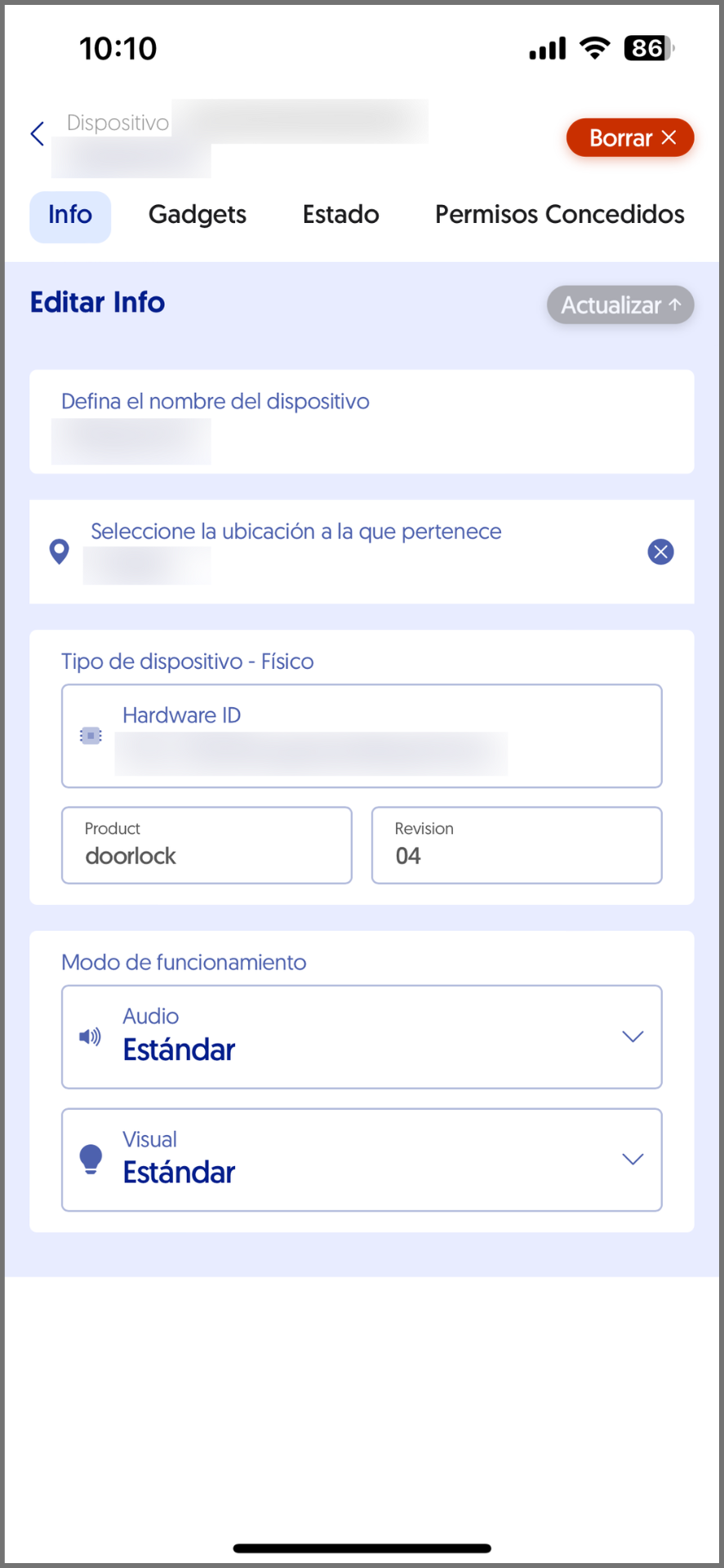
If you want to remove the sound from the device, you must change the Audio status to “Silent”. If you want to remove the lighting, you must change the Visual status to “Silent”.
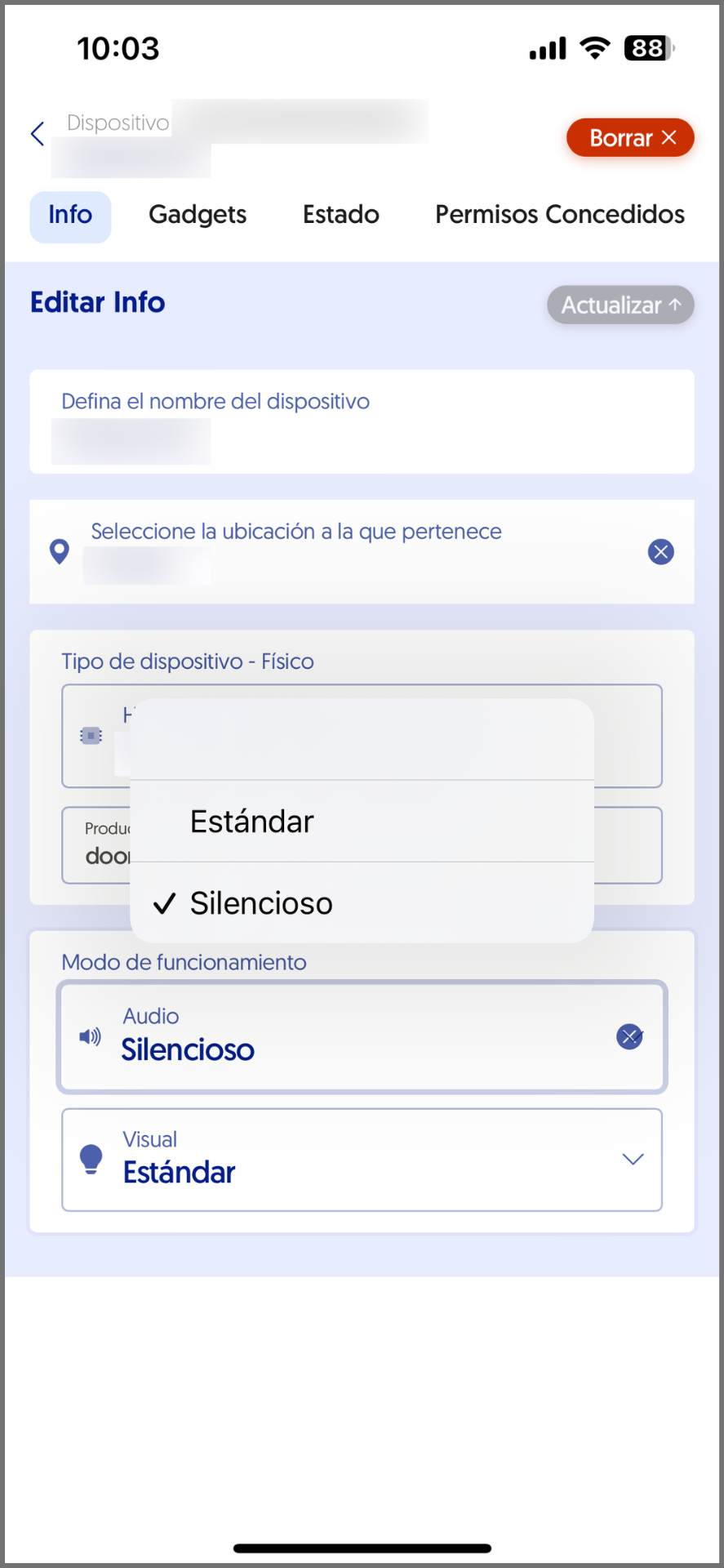
For the changes to be applied, you must click the “Update” button located in the upper right corner.
These changes require a firmware update of the devices, so their application may take a few seconds.