[Q2 2024] Akiles Pinpad can now act on more than one access and entry rules can be configured to activate the different available actions
Until now, our Akiles Pinpad device could only act on a single gadget. From this moment on, Akiles Pinpad can act on multiple gadgets (whether they are its own or from other devices, as long as they are within BT5 range).
A gadget is an actionable mechanism with an Akiles device. A device can:
-
- Have no gadgets (like Akiles Gateway, which is limited to establishing connection with the Cloud and providing connectivity to other devices).
- Have a single gadget (like Akiles Cylinder or Akiles Roomlock, which allow opening an access).
- Have multiple gadgets (as in the case of the Akiles Controller device, which can act on multiple electrified accesses).
Thanks to this new feature, a single Akiles Pinpad can, for example, control 3 different shutters, as well as the different actions that can be carried out on each one (such as opening, stopping, and closing them).
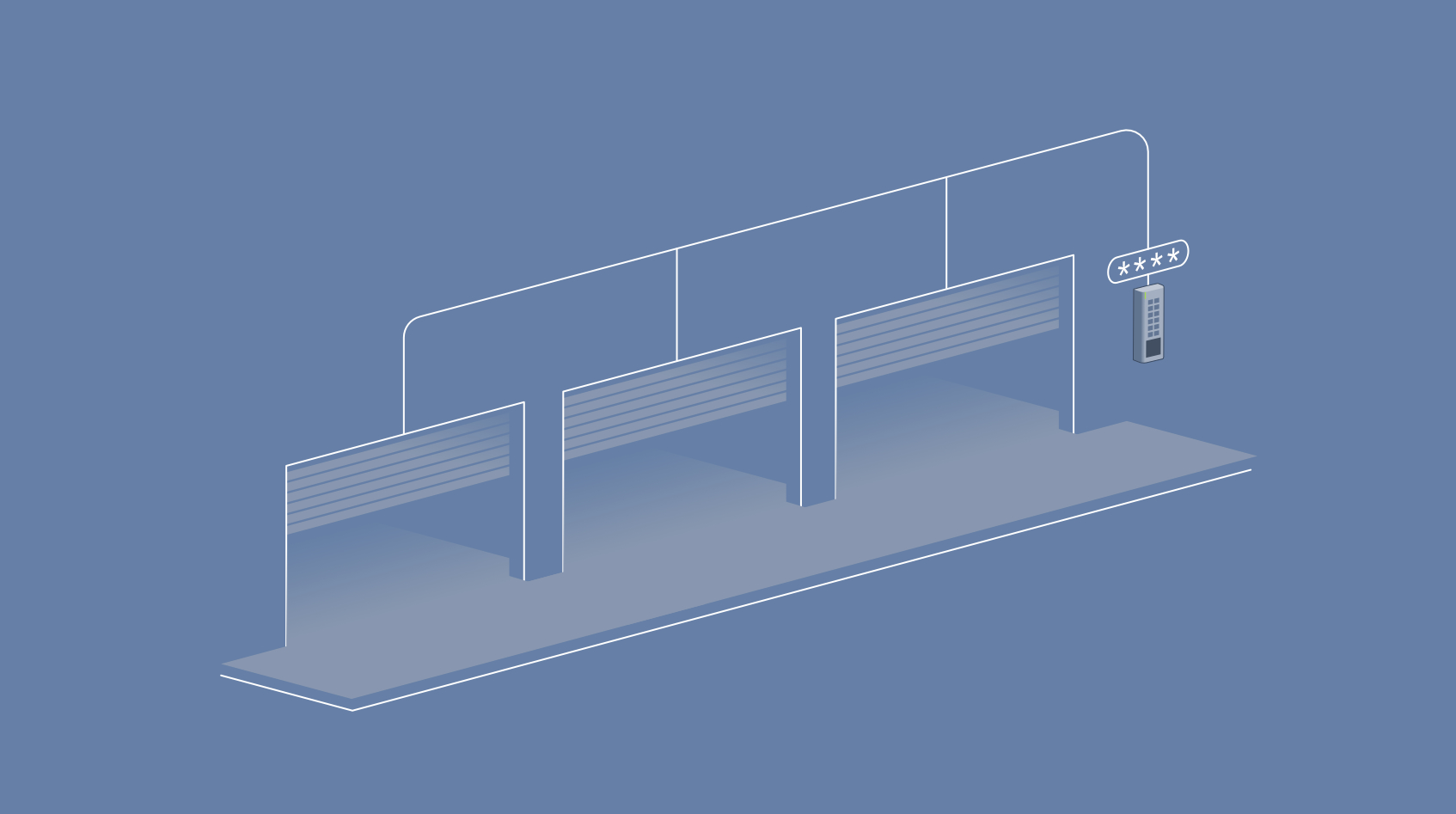
Akiles Pinpad entry rules:
To control which action is activated for each of the gadgets when the user interacts with the device, entry rules have been incorporated.
These entry rules are " prefixes" that users will dial before entering their PIN code or bringing their NFC card close to the device. Depending on the prefix dialed, one action or another will be activated, from one gadget or another.
These entry rules will be configured from the Info tab of the respective Pinpad device page.
Let’s see it with an example:
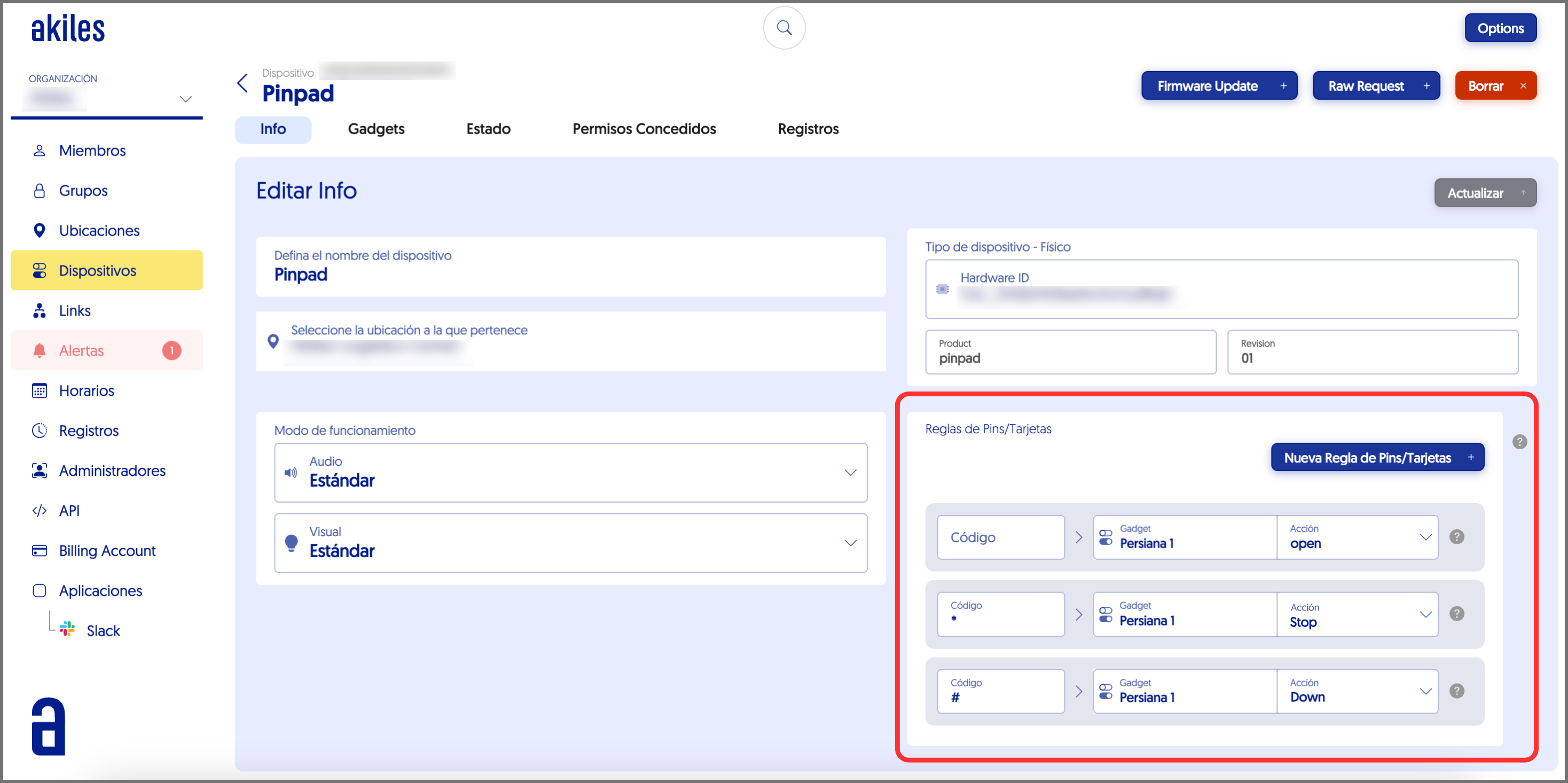
In this specific case we look at a Pinpad that acts on a single gadget (a shutter).
In the “Pin/Card Rules” section we can see how the " Code " field of the first row is empty . This means that, by the user only entering their PIN code or approaching their card, the default action will be " Open " (open).
In the second rule, on the contrary, it shows that, by dialing the prefix (*) before entering the PIN code/approaching card, the action that will be carried out is “Stop " (mechanism stop).
In the third, by dialing the prefix (#) before entering the PIN code/approaching card, the action that will be carried out is “Down” (close).
In the case of having more than one shutter/gadget, more entry rules should be created , each one corresponding to an action of each of the gadgets that the Pinpad acts on (for example, 1# to open shutter 1 and 2# to open shutter 2).