[Q4 2025] Create automations between devices from the Admin Panel
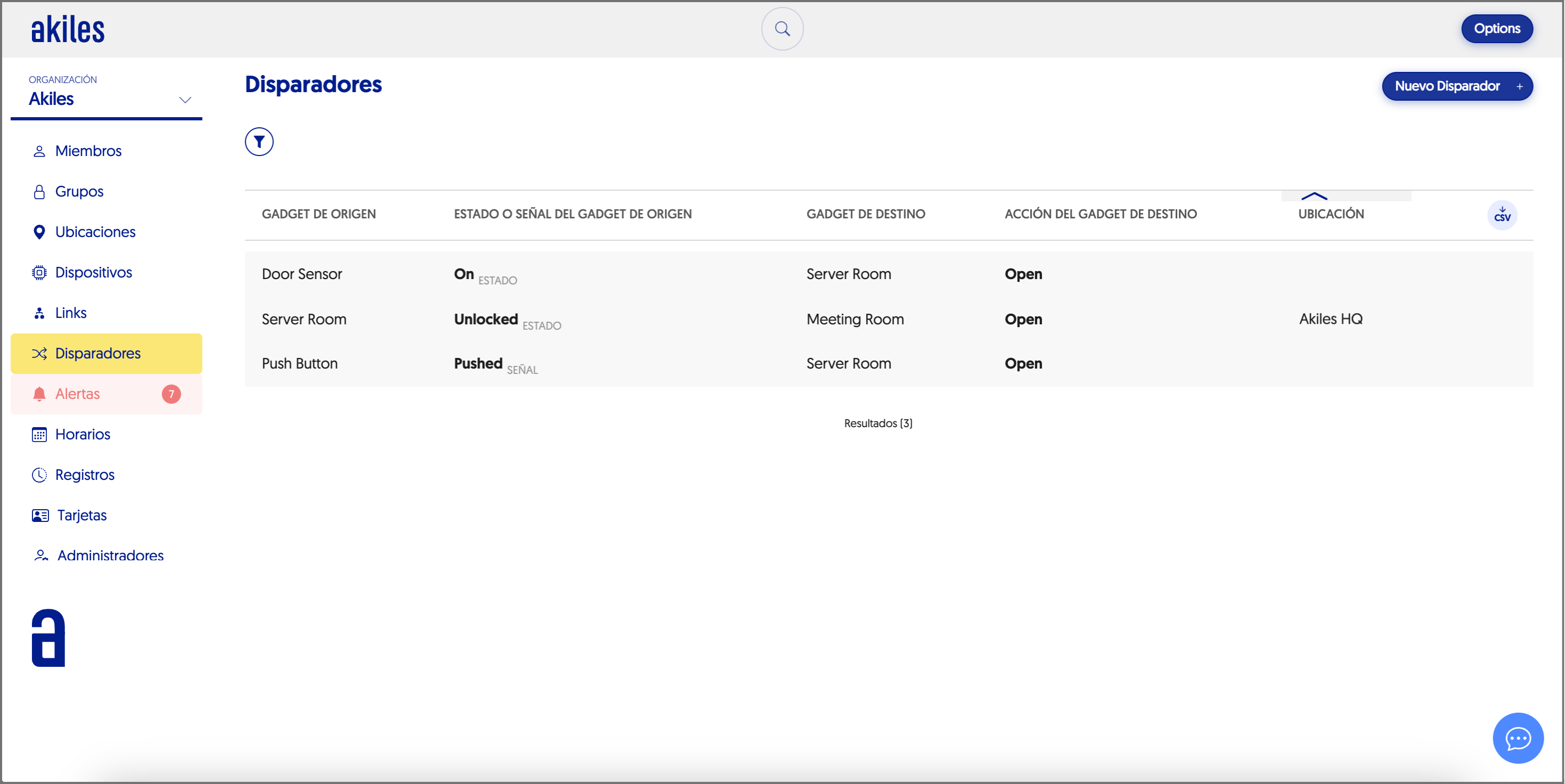
You can now configure Triggers (gadget triggers) directly from the Admin Panel to automate actions between devices in a simple and centralized way.
In the “Triggers” section, you must select a source gadget and the status or signal that you want to trigger an action, as well as a destination gadget with the action that should be executed.
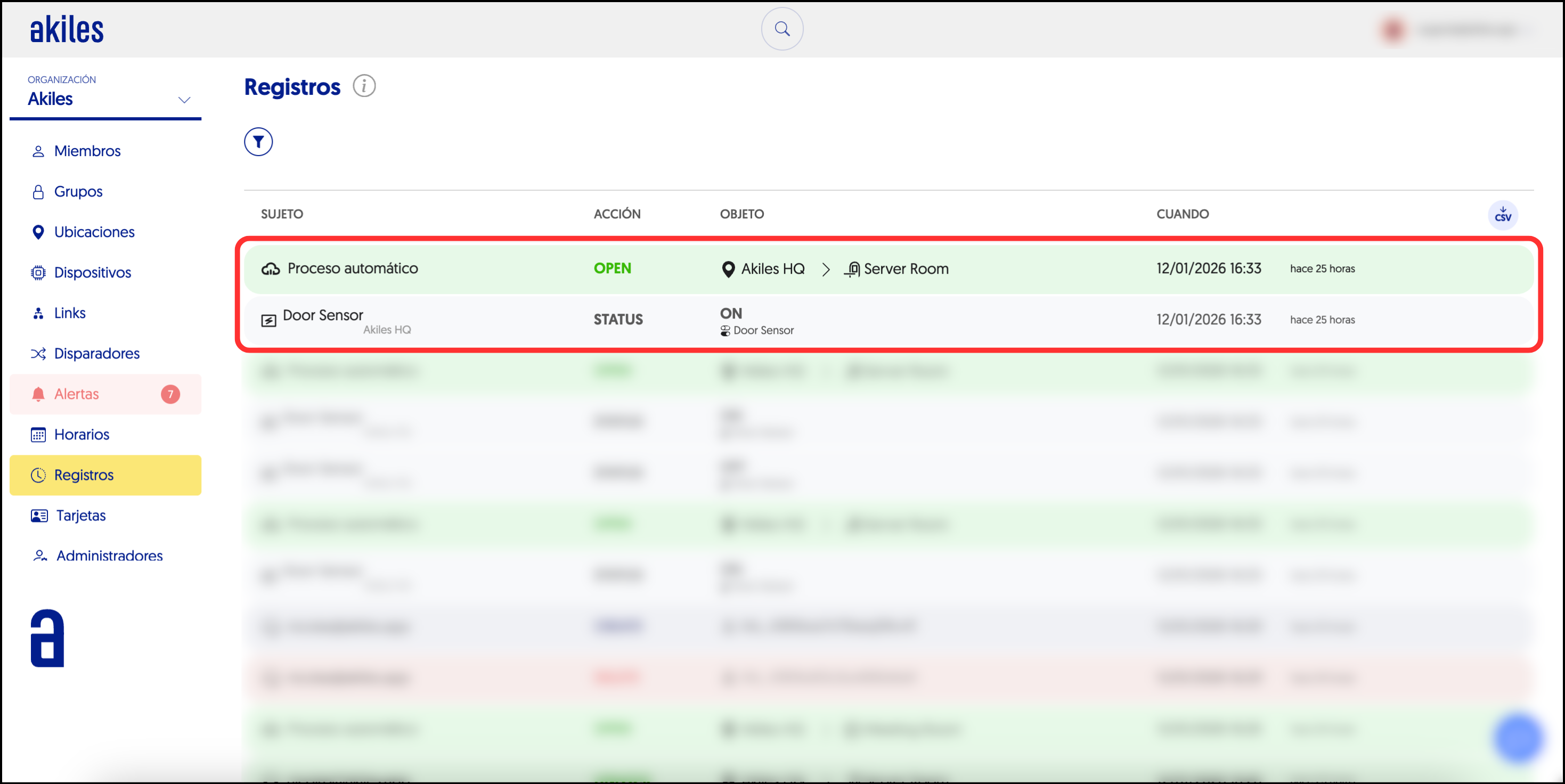
For example, you can configure that pressing a button opens a door, that a motion sensor activates an alarm or turns off the air conditioning, or that the action of opening a door triggers the opening of another.
To create or manage these Triggers, you need Superadmin permissions in the Admin Panel. If you don’t have them, request them from your Akiles consultant or contact us at contact@akiles.app.