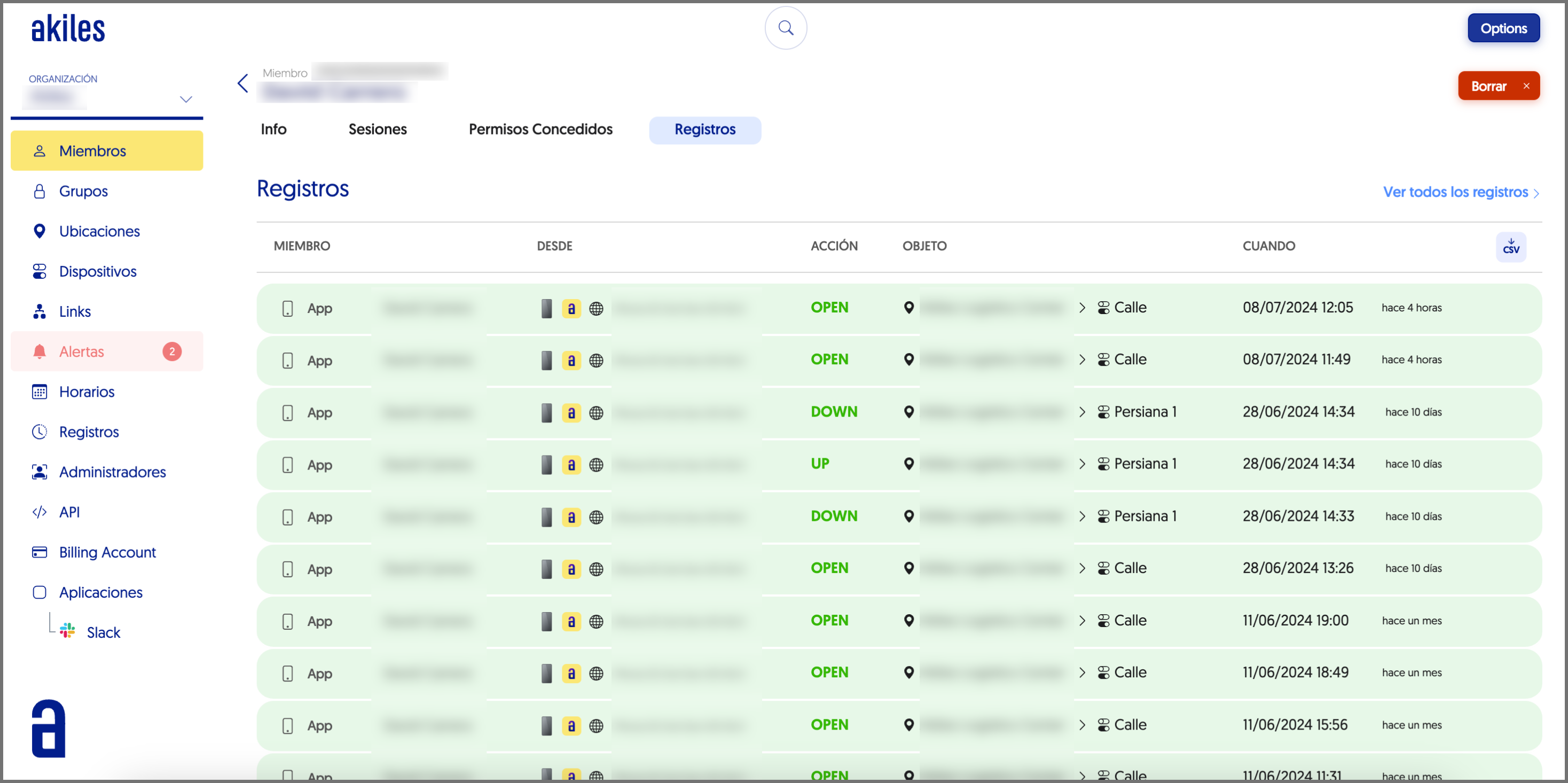
[Q2 2024] New Member page structure and introduction of the Granted Permissions section.
In the Members section, when clicking on a specific member, a member page opens that has been restructured including different tabs: Info, Sessions, Granted Permissions (new) and Logs.
This restructuring allows member information to be displayed in a more organized and intuitive way.
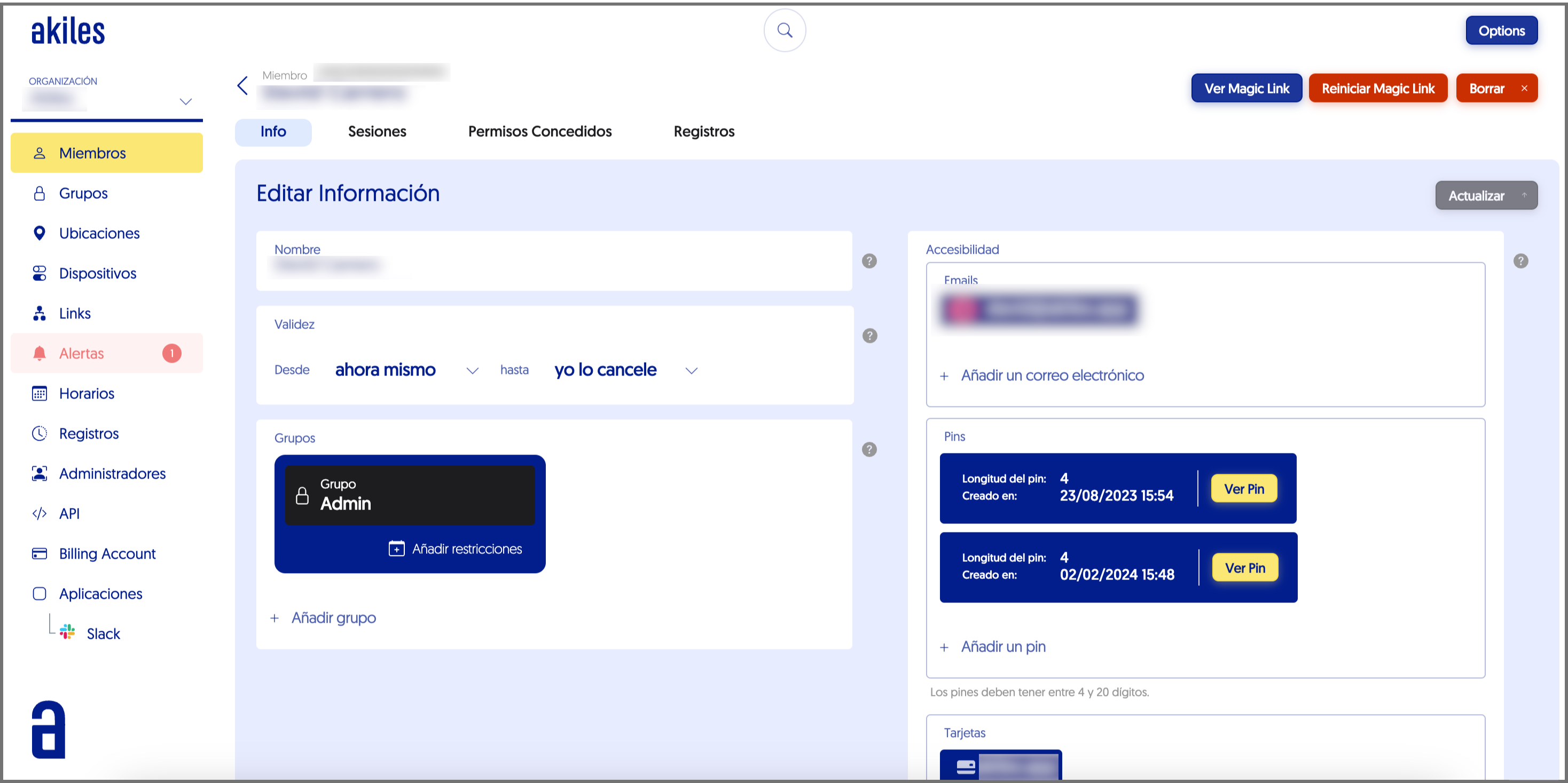
Info
In this tab you can view the member’s name, the validity date of their permission, the groups they belong to, as well as the access methods they have available.
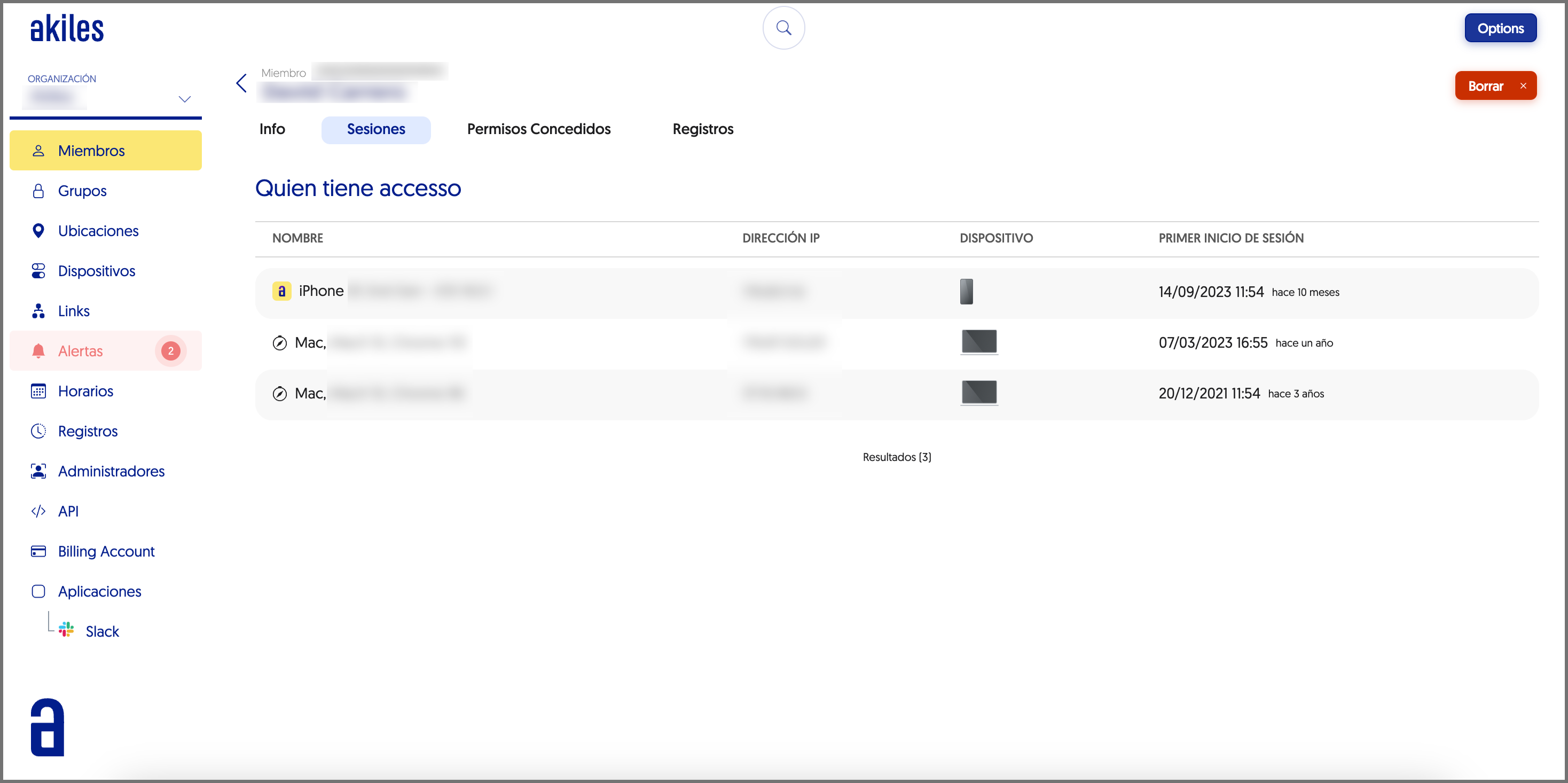
Sessions
From this section it is possible to check from which devices and when the member has logged in.
Granted Permissions :
This new section has great potential for administrators, since, at a glance, it is possible to view all devices and gadgets on which the member has permissions, grouped by site. For each device/gadget, it also indicates the group from which the access permissions have been granted.
In the same way, it is also possible to check what actions the member can perform on those devices/gadgets, if they have any restrictions (by geolocation, schedule or any restricted action) and if they have configured access methods such as personal PIN code or NFC card.
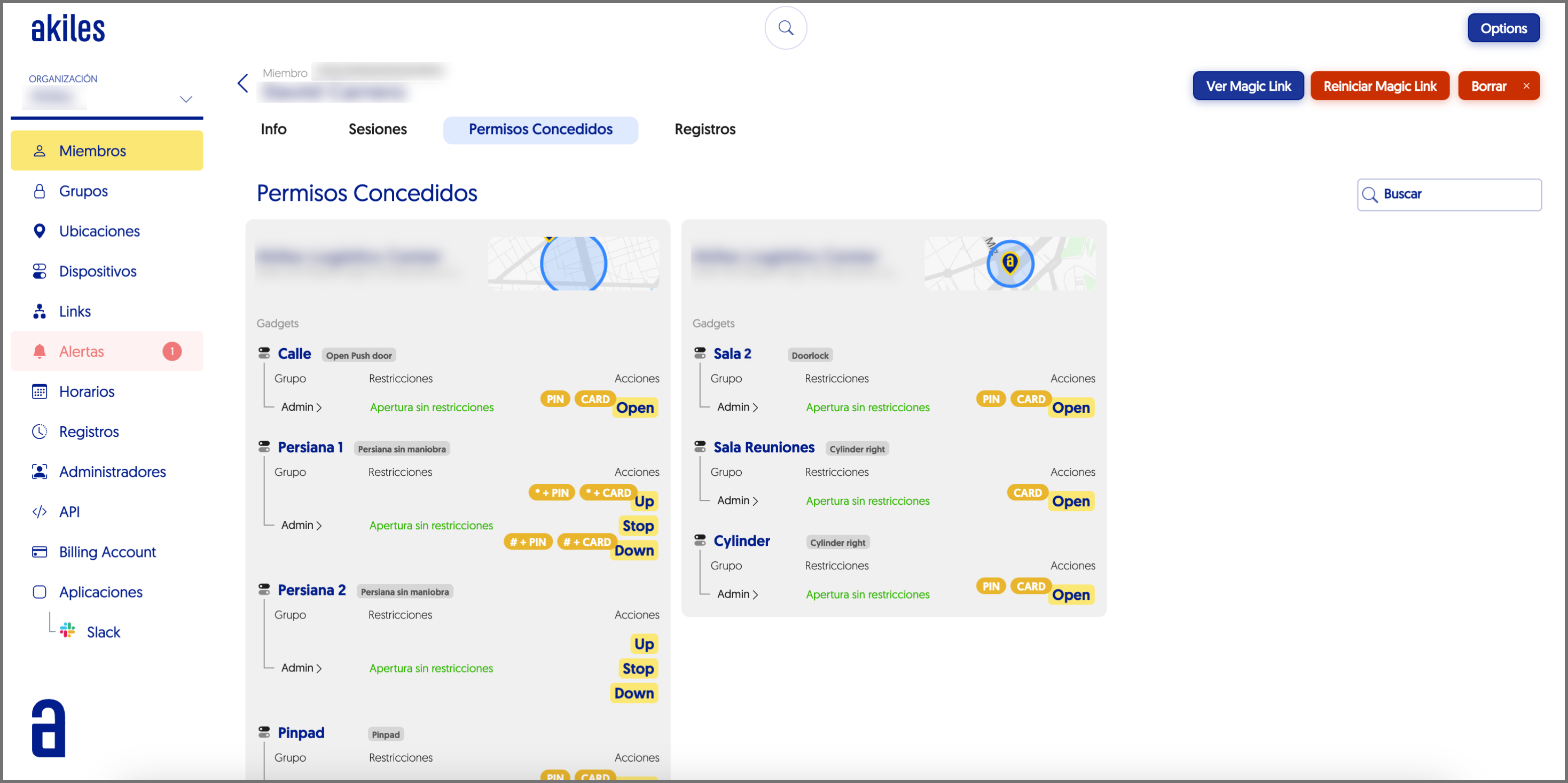
From this tab it is also possible to filter, from the “Search” field (upper right corner) by gadget name, group or schedule.
Logs:
From this tab it is possible to view all accesses that a specific member has made.