[Q4 2023] New visual instructions on how to change device batteries within low battery alerts
We have incorporated instructions on how to change device batteries within low battery alerts.
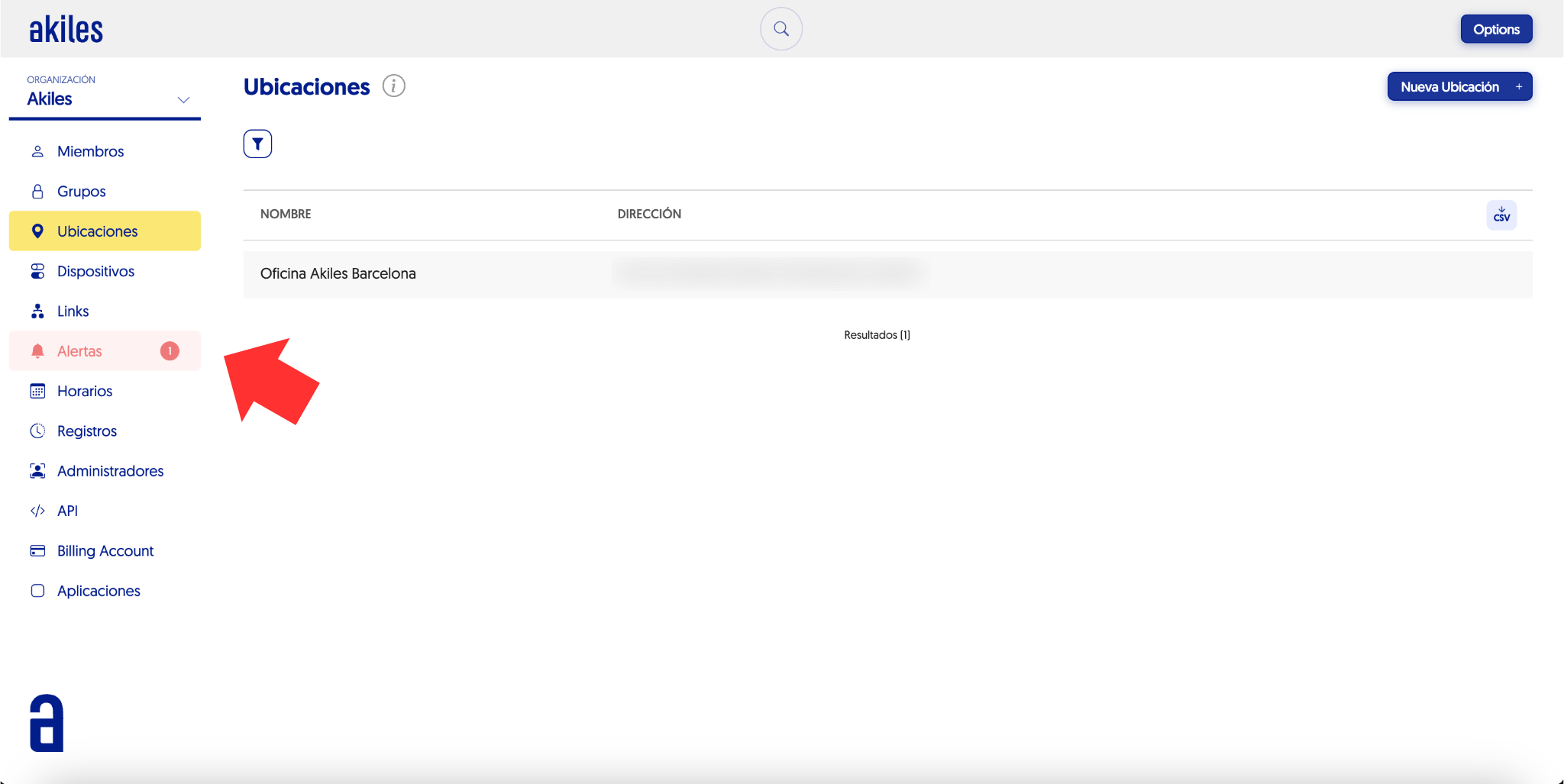
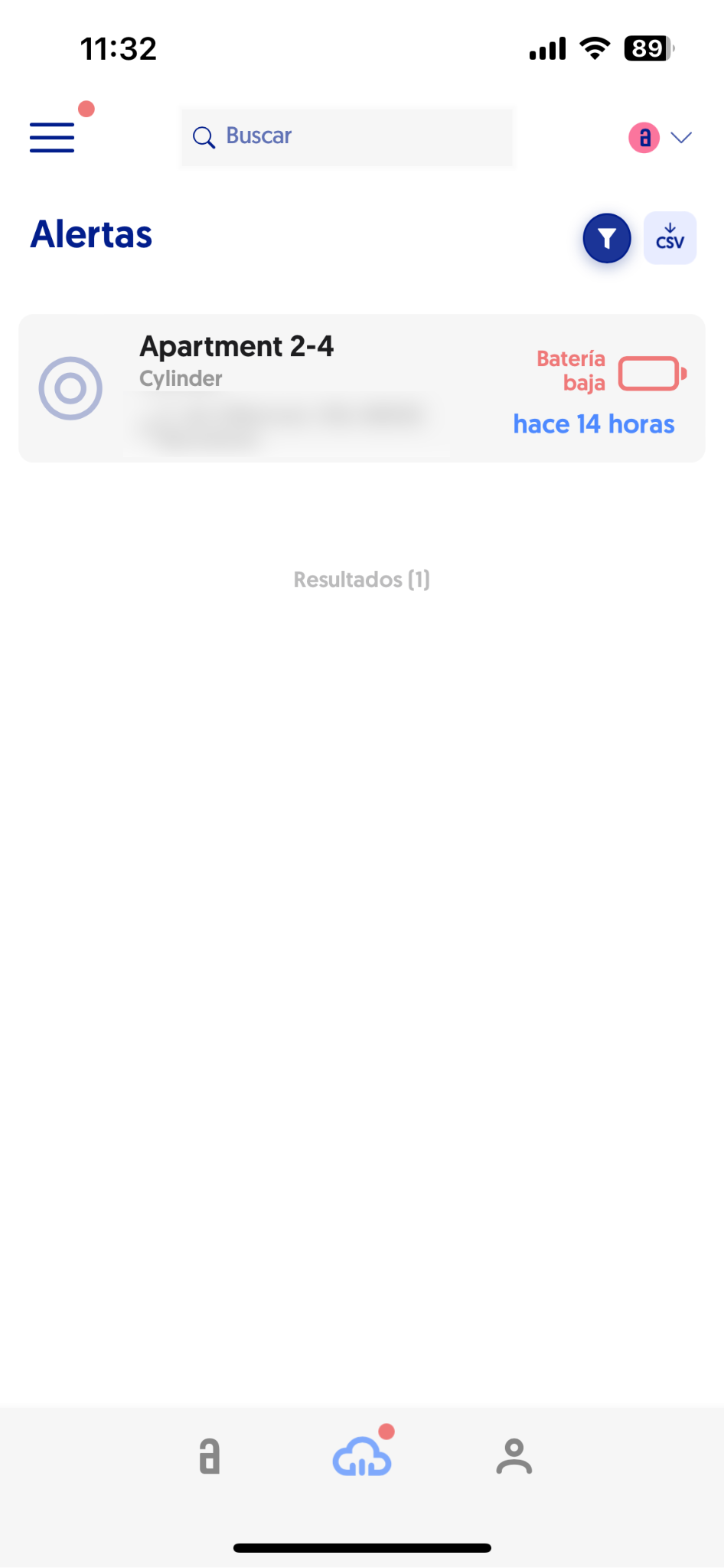
If any of the devices in your organization has low battery (-15% battery) you will be shown a notification in the “Alerts” section of the Admin Panel, which will indicate the need for an imminent battery change of the device.
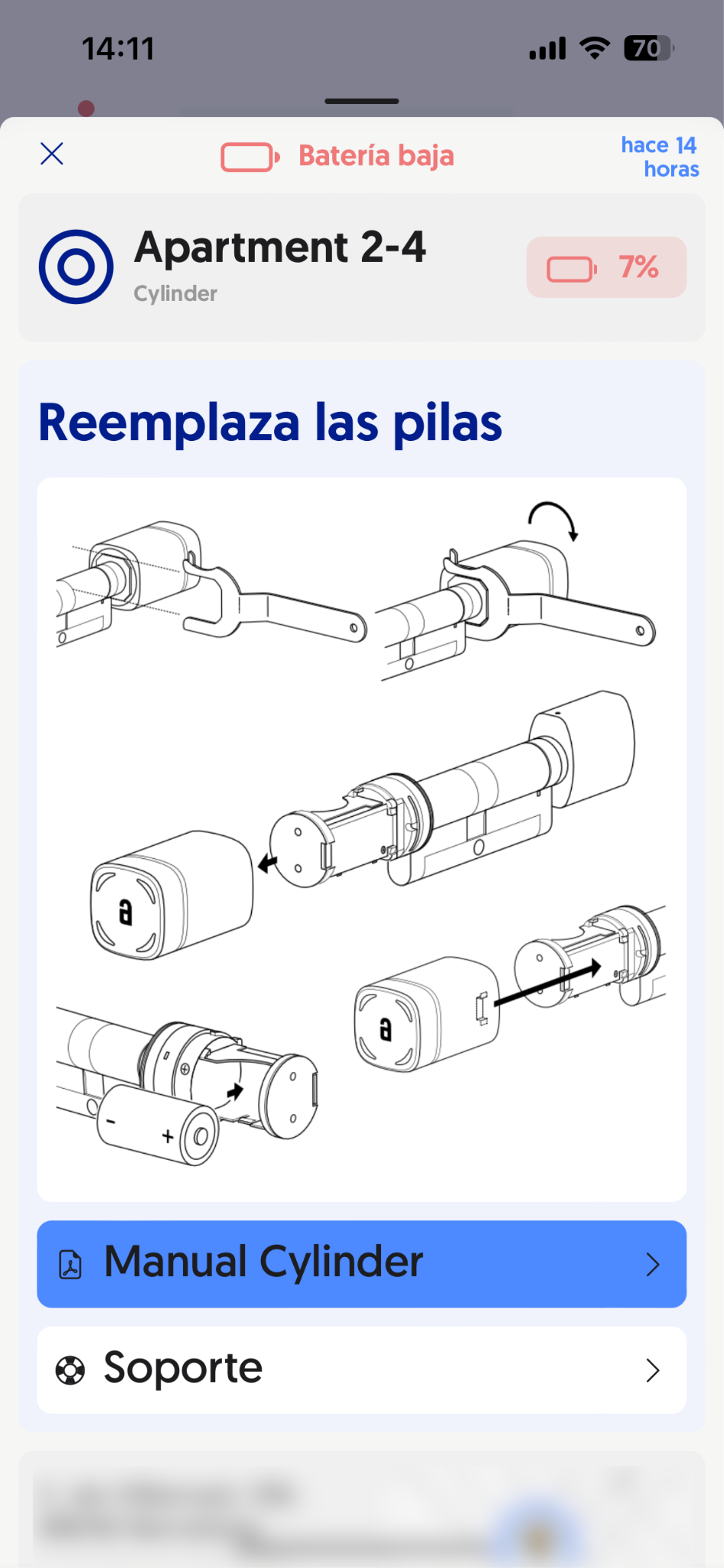
Clicking on this alert will open a dropdown with visual information about how to perform the device battery change.
From the same dropdown you can also download the device manual -where you can expand the information about battery change- as well as contact Support if needed.
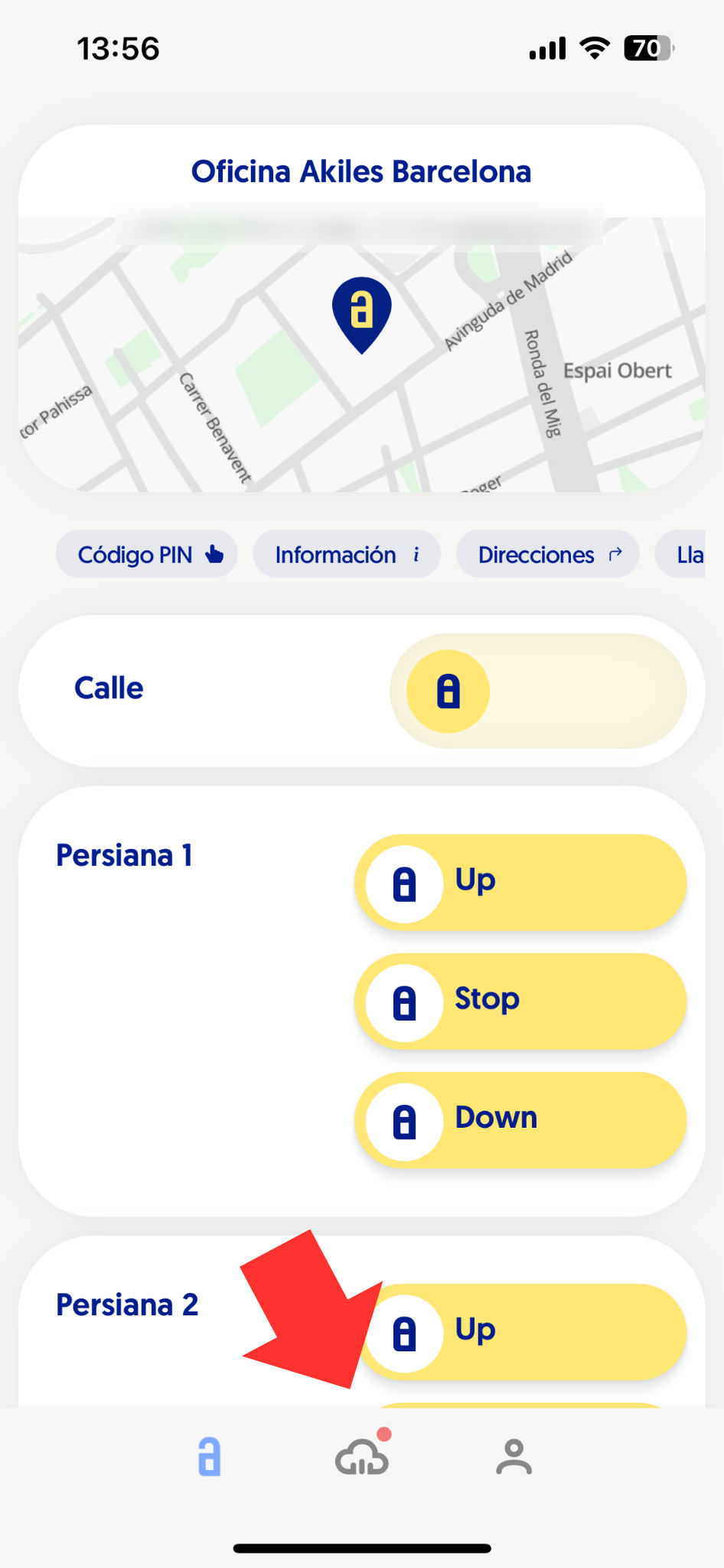
Remember that, for the proper functioning of the system, it is recommended that you check your alerts periodically (if you have alerts, a red circle will appear both on the App Home and in the “Alerts” section of the Admin Panel).