[Q4 2023] Akiles members whose access permissions have expired are automatically deleted by the system after 48h
Akiles members whose access permissions have expired will be automatically deleted by the system after 48h.
These members will be marked as “deleted” and will disappear from the “Members” section of the Admin Panel.
To find out which ones they are, you must filter by “Deleted” status in the same “Members” section.
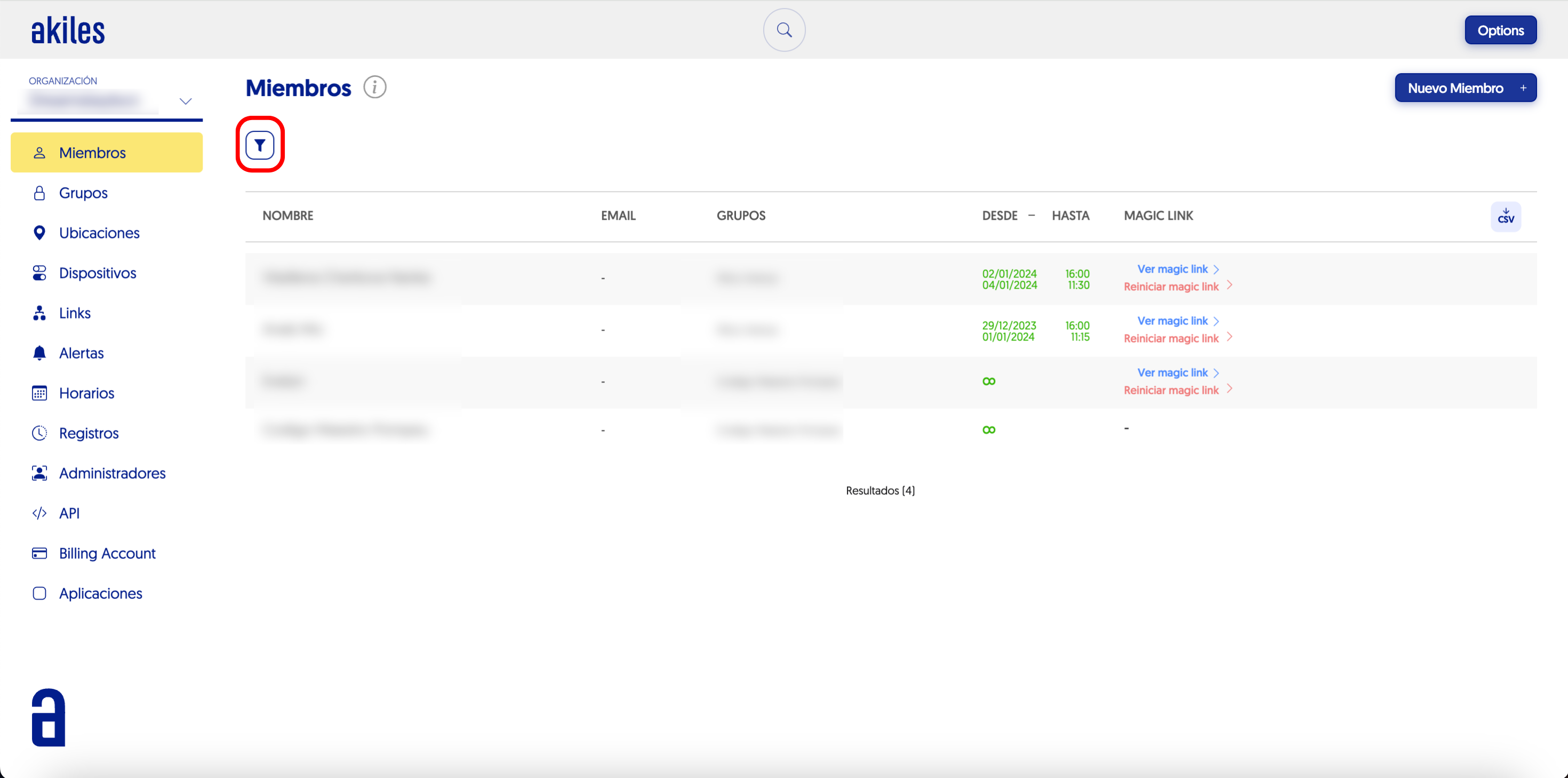
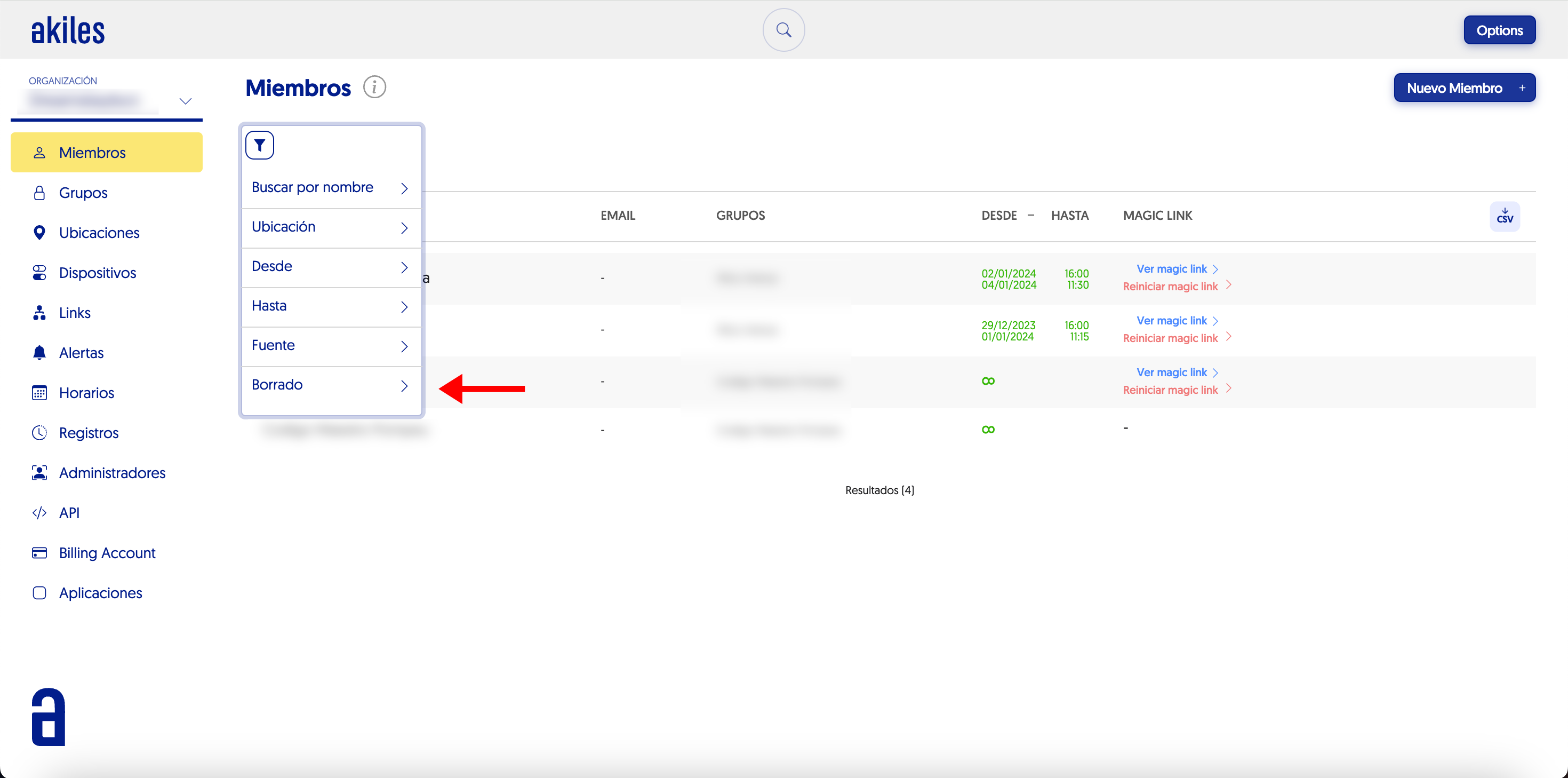
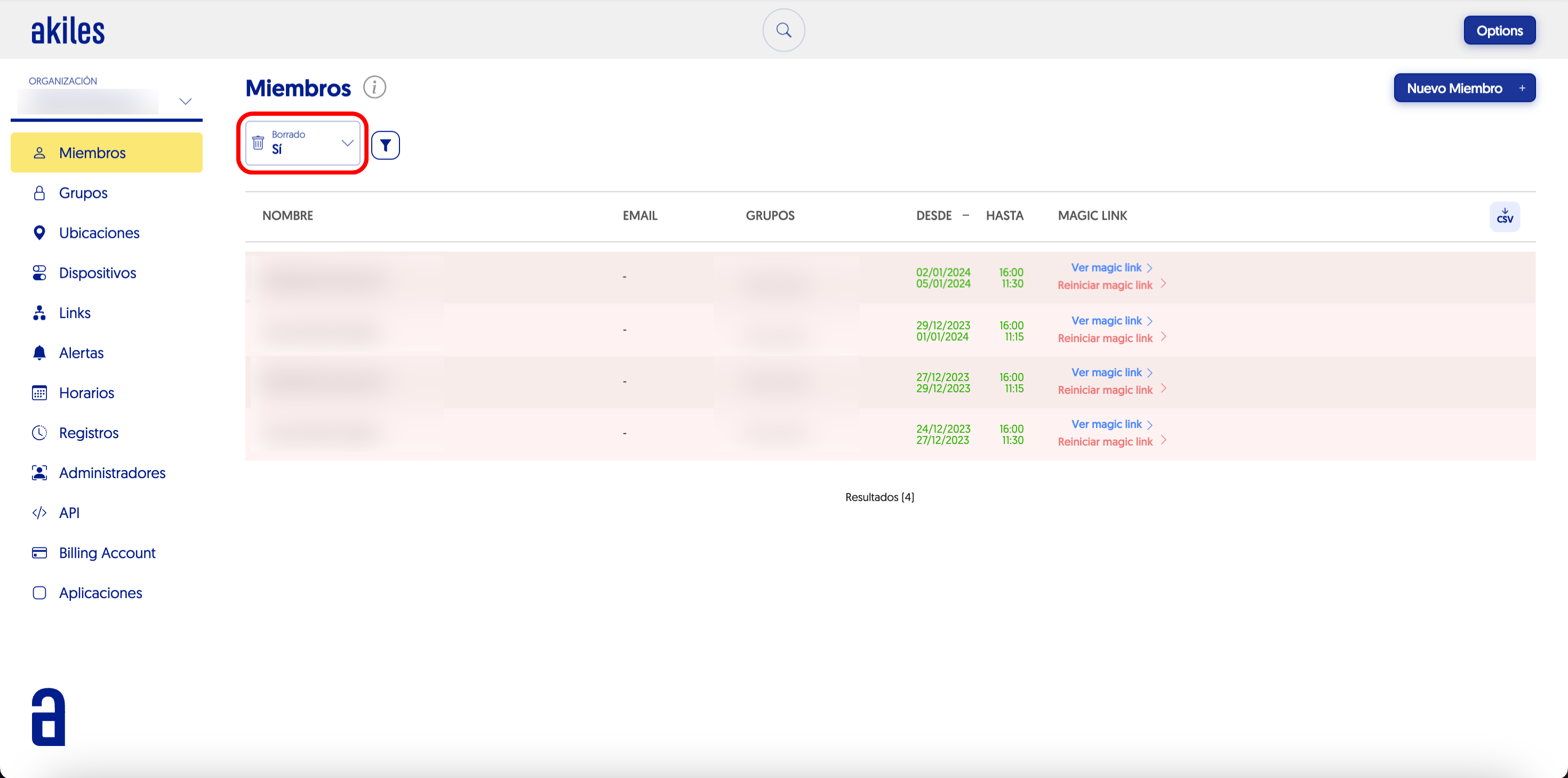
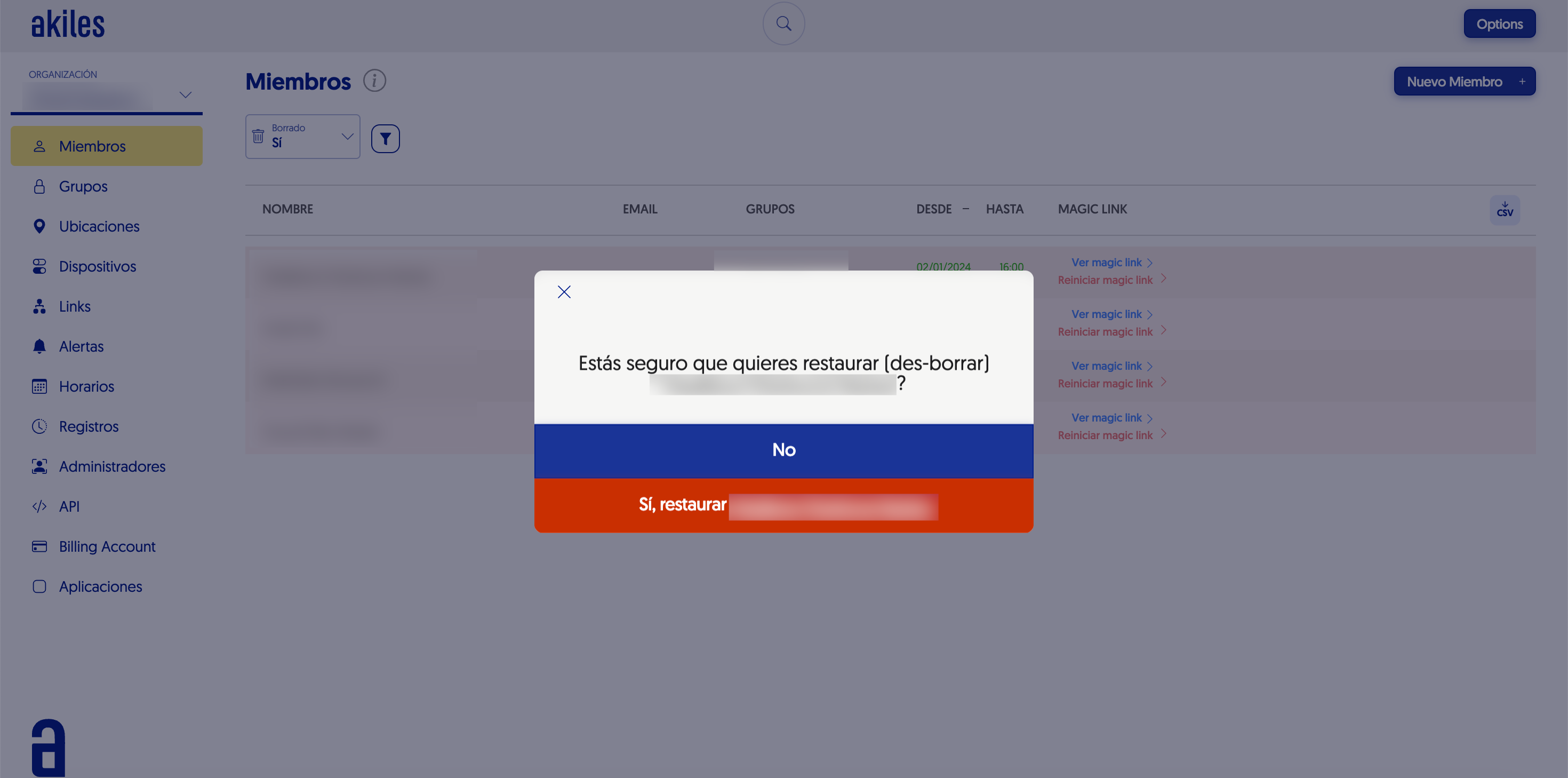
To restore deleted members, simply hover the cursor over the member. When doing so, the “Restore” option will appear on the right.
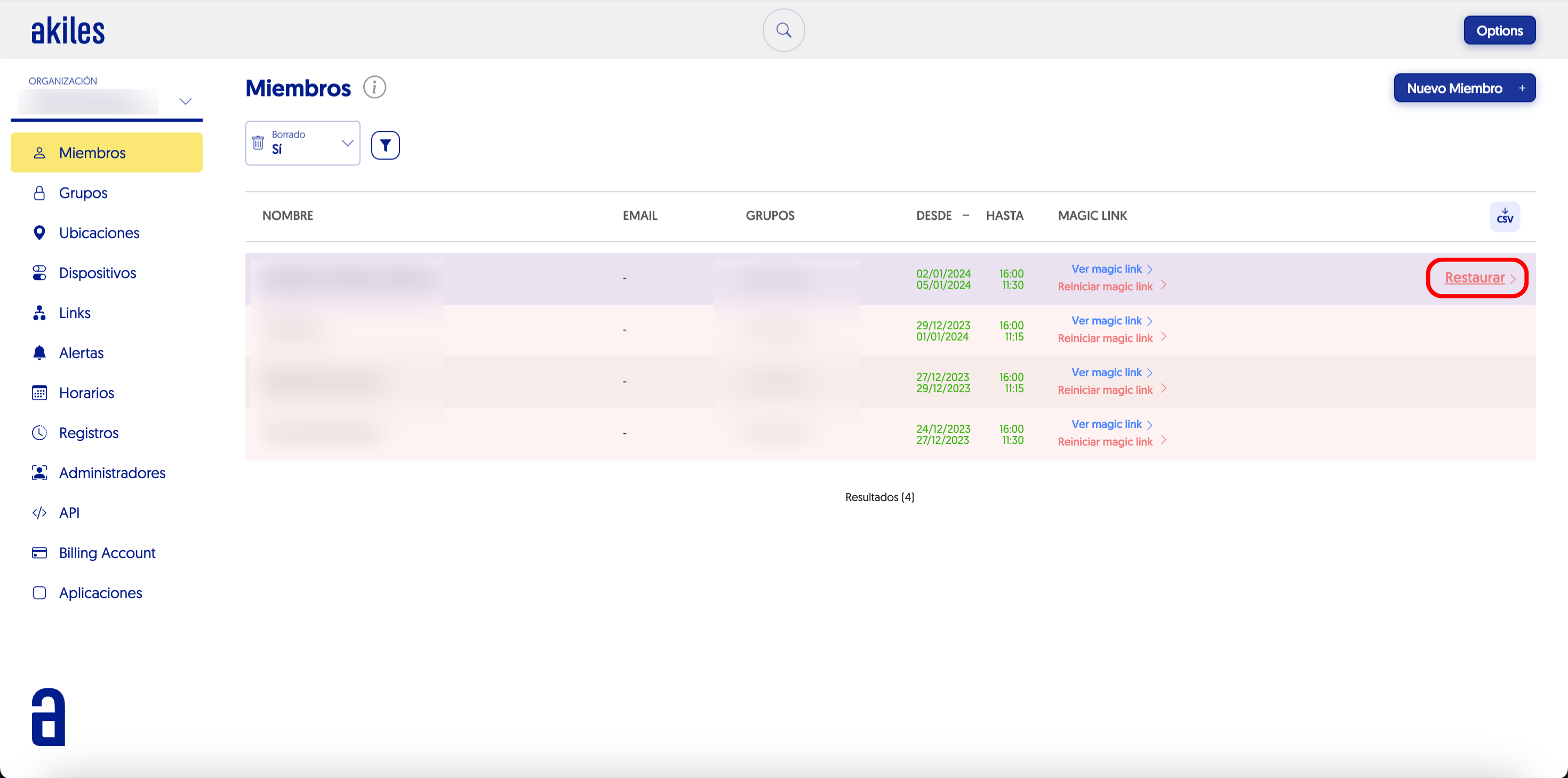
When clicking “Restore”, immediately after, a screen will appear requesting confirmation for the member restoration. When clicking “Yes, restore [username]”, they will reappear in the “Members” section.
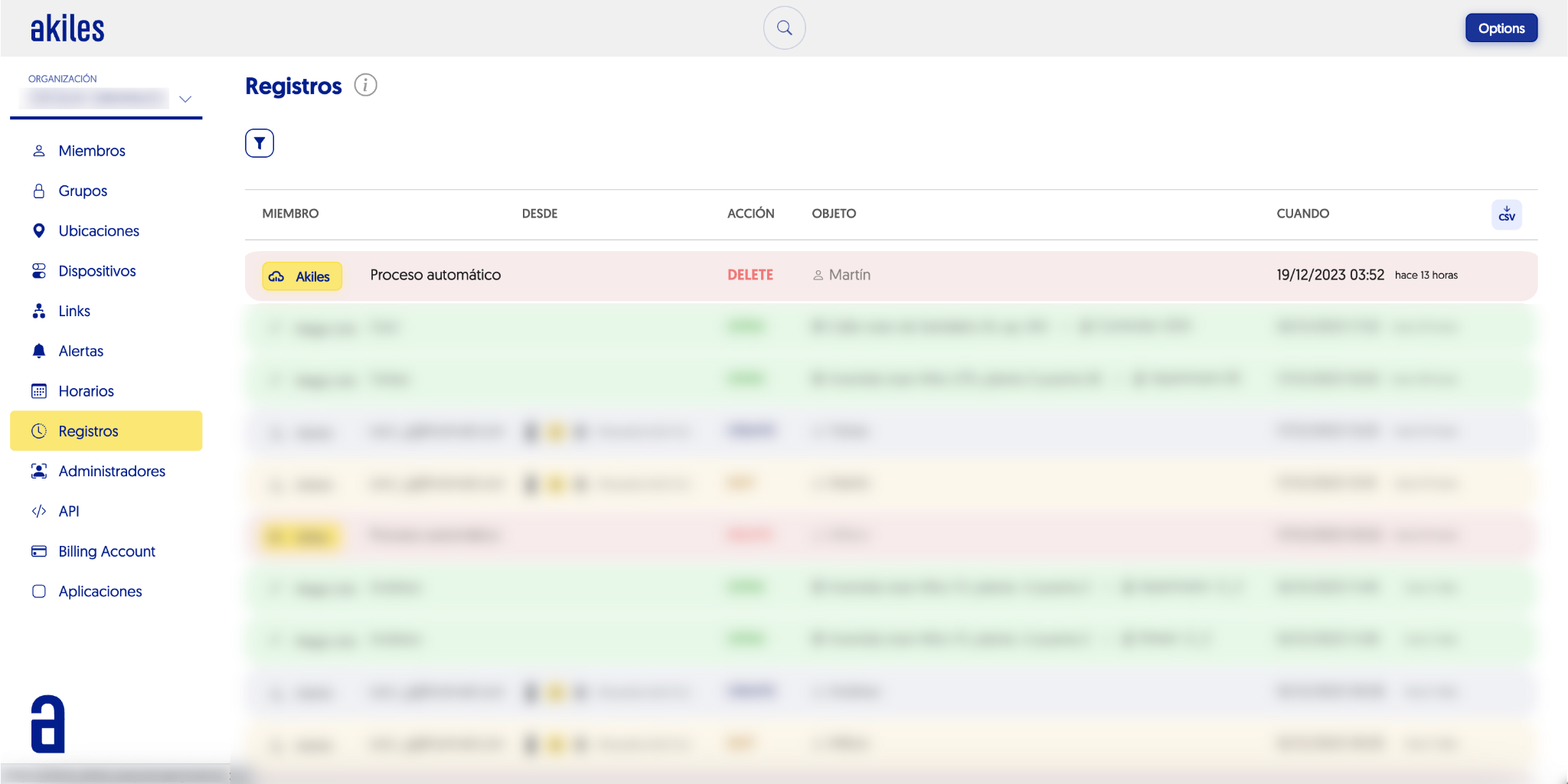
This automatic member deletion can also be viewed in the “Logs” section of the Admin Panel.
Automatic member deletion allows maintaining greater control and order for those organizations that handle large volumes of temporary users.