[Q2 2024] New Group page structure and introduction of the Logs section
Now, in the Groups section, when clicking on a specific group, a group page opens that has been restructured to include different tabs: Info, Group Members, and Logs (new).
This restructuring allows group information to be displayed in a more organized and intuitive way.
Info
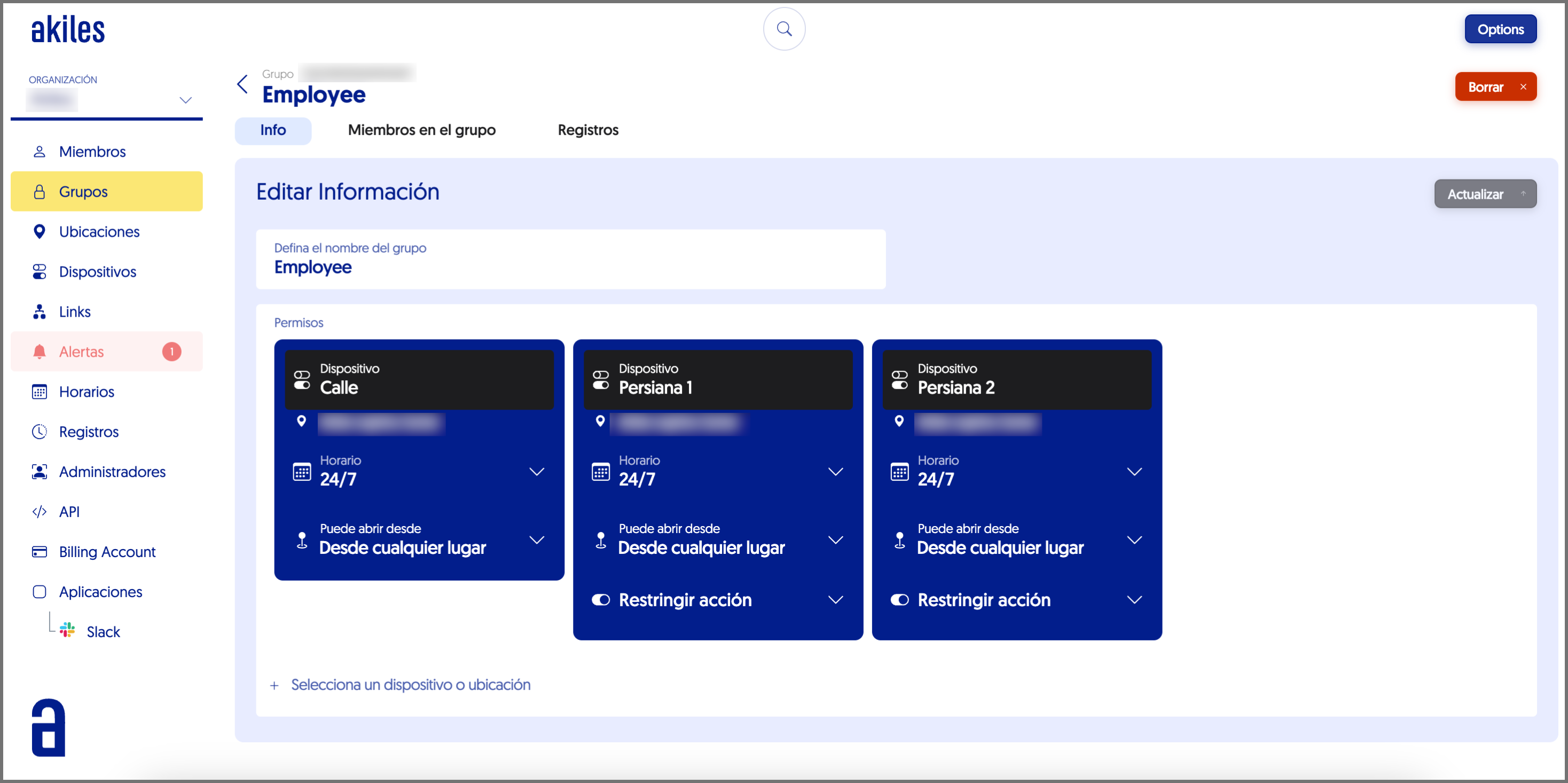
In this tab you can view the devices and/or sites that a group has permissions for.
You can also check if these permissions are subject to a Schedule, if geolocation protection is applied to them, or if they have any restricted actions.
Group Members
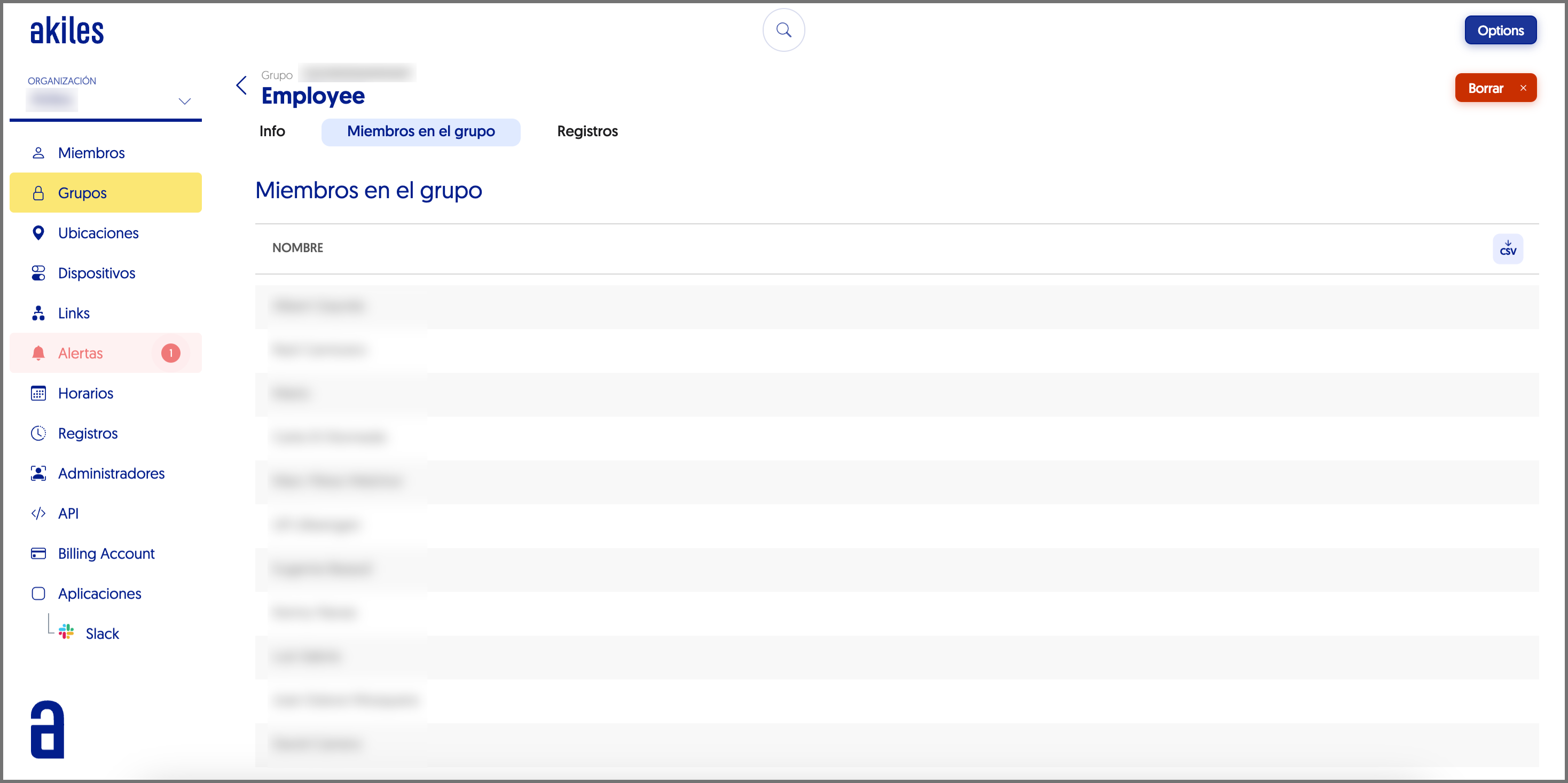
In this tab you can see which members are part of a group and, therefore, have the access permissions and restrictions of that group.
Logs
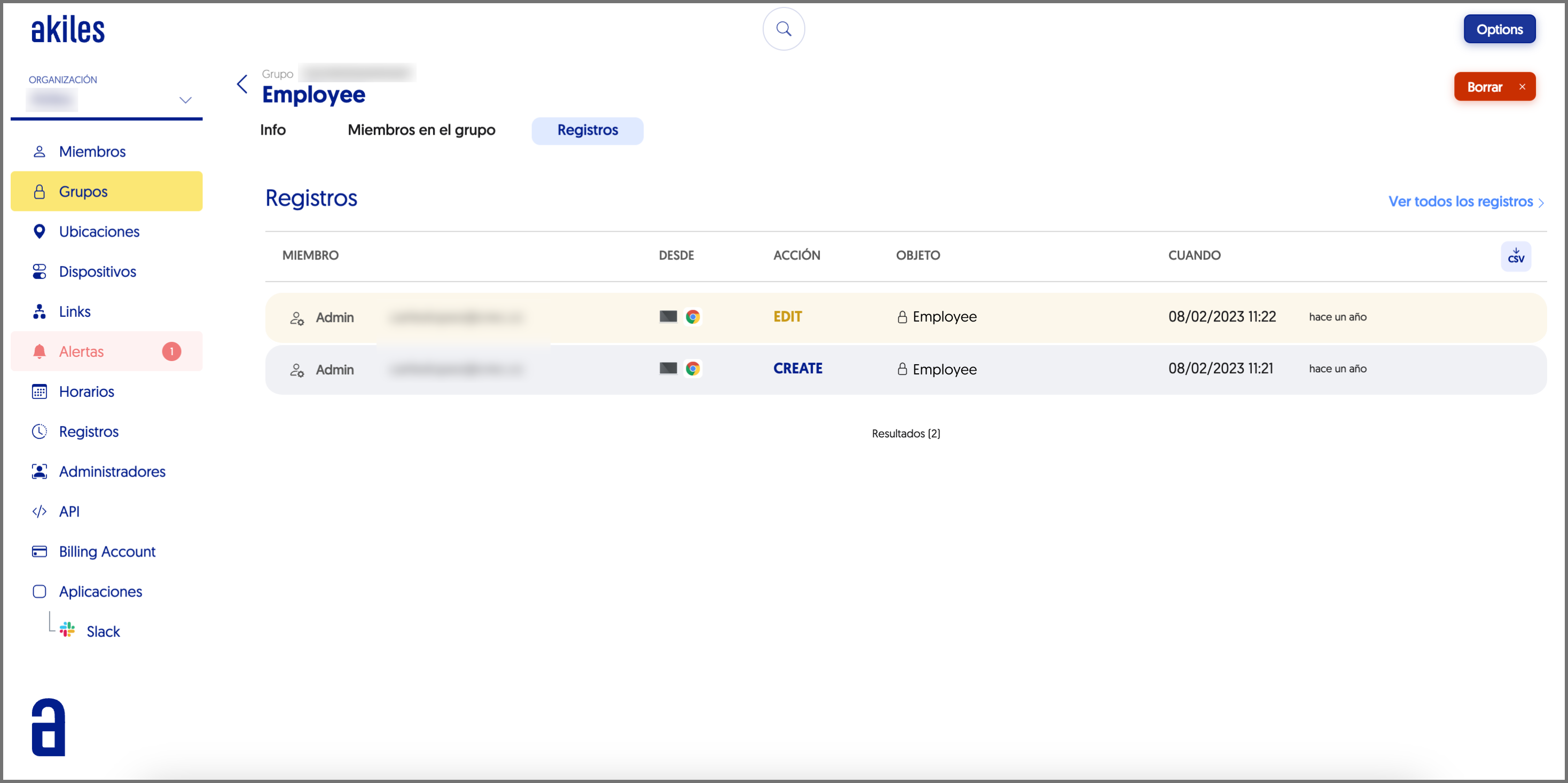
In this new section you can view all the changes that have been made to the group in question.
Especially useful for having control over edits made by different members with permissions to edit groups: from their creation, editing and deletion.
In this tab you can see who performed the action, what type of action they carried out and when.