[Q1 2024] It is now possible to access deleted users from the Logs section and edit them
It is now possible to access deleted users from the Logs section of the Admin Panel, restore them and edit their access permissions.
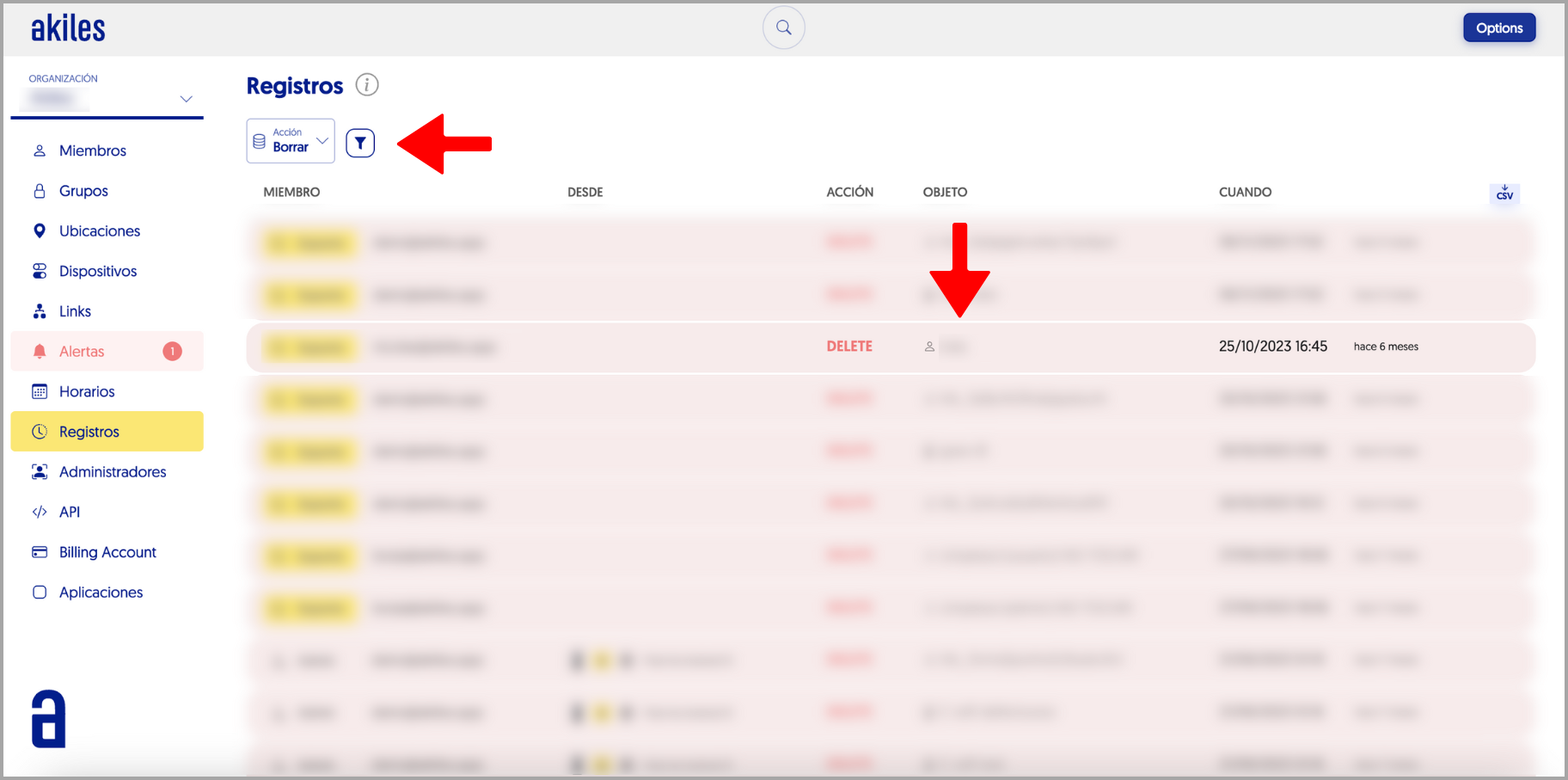
The first step will be to locate the deleted user in the Logs section. To facilitate this process, remember that you can filter the logs by actions related to information deletion. To do this, you should go to the funnel symbol located in the upper left corner > Action > Delete.
Once you have located the member you want to recover, you should click on their name in the “Object” section.
By clicking, you will access the deleted member’s information. If you want to restore them, you should click on the “Restore” button located in the upper right corner of the screen. Keep in mind that if you make any edits to the member without having restored them first, the changes will not be saved.
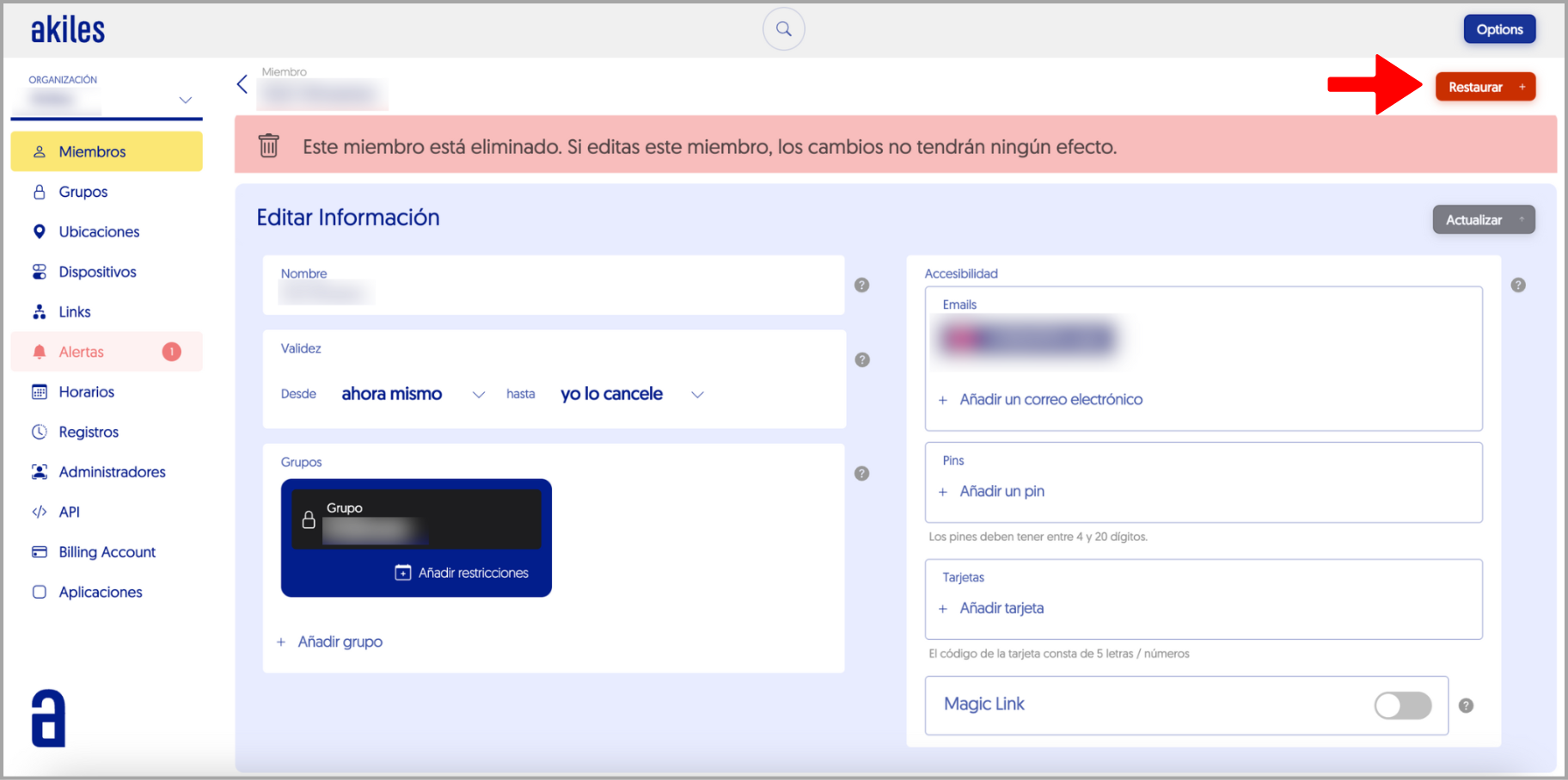
In the following window, you should click on “Yes, Restore.”
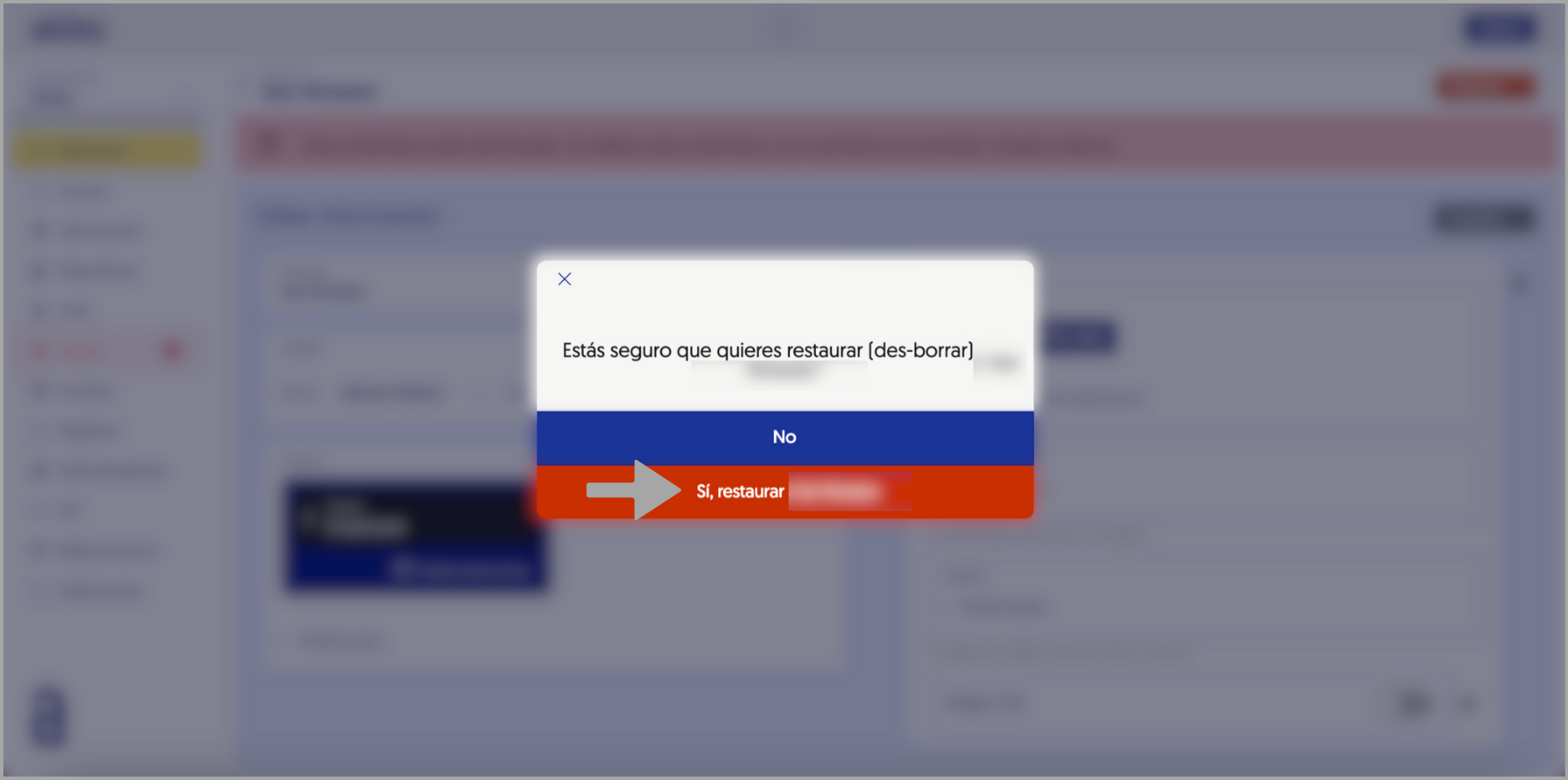
Once the restoration is complete, you will be able to edit the different fields of the member, such as their validity date, the groups assigned to them, or their access credentials.
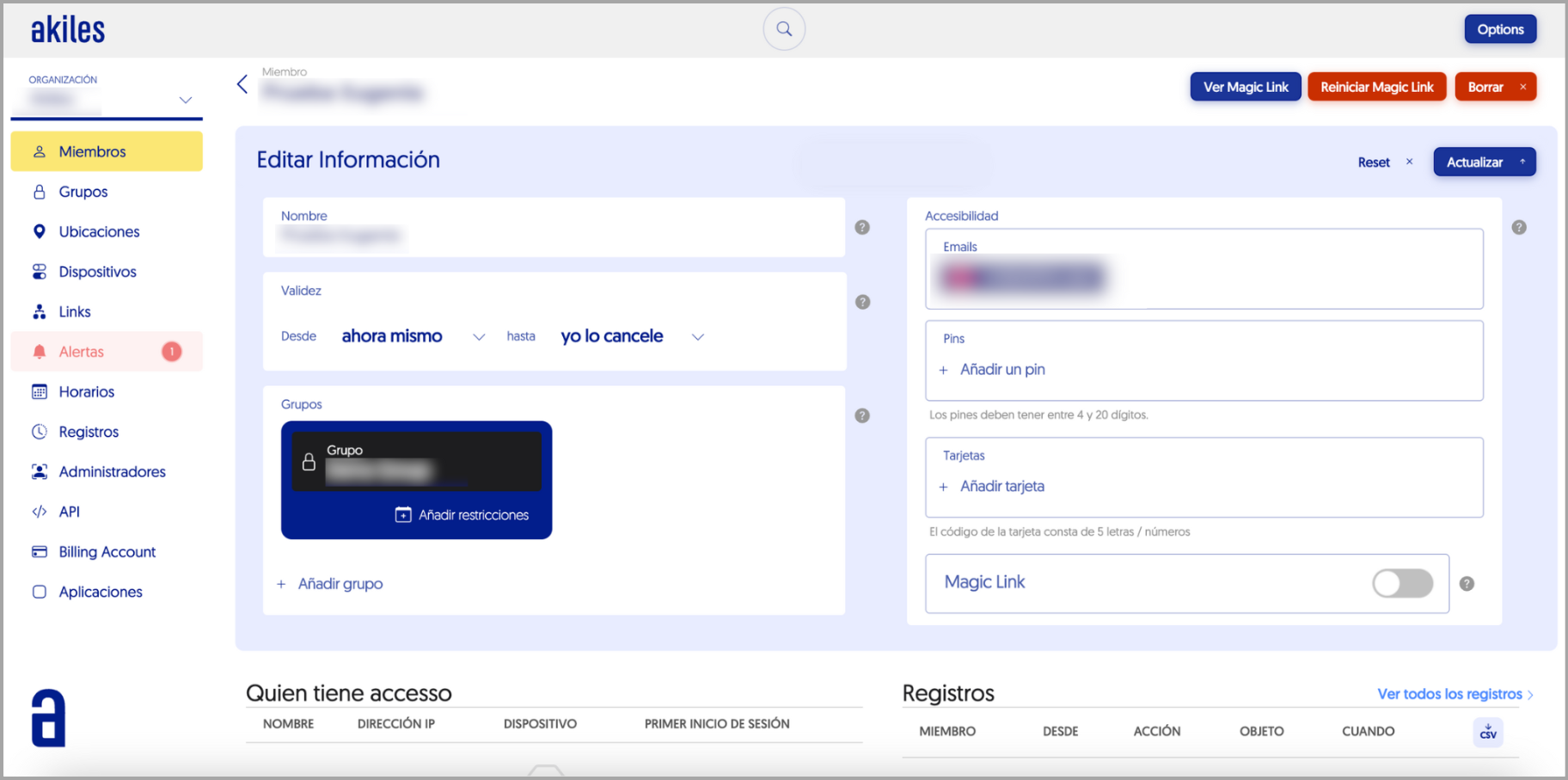
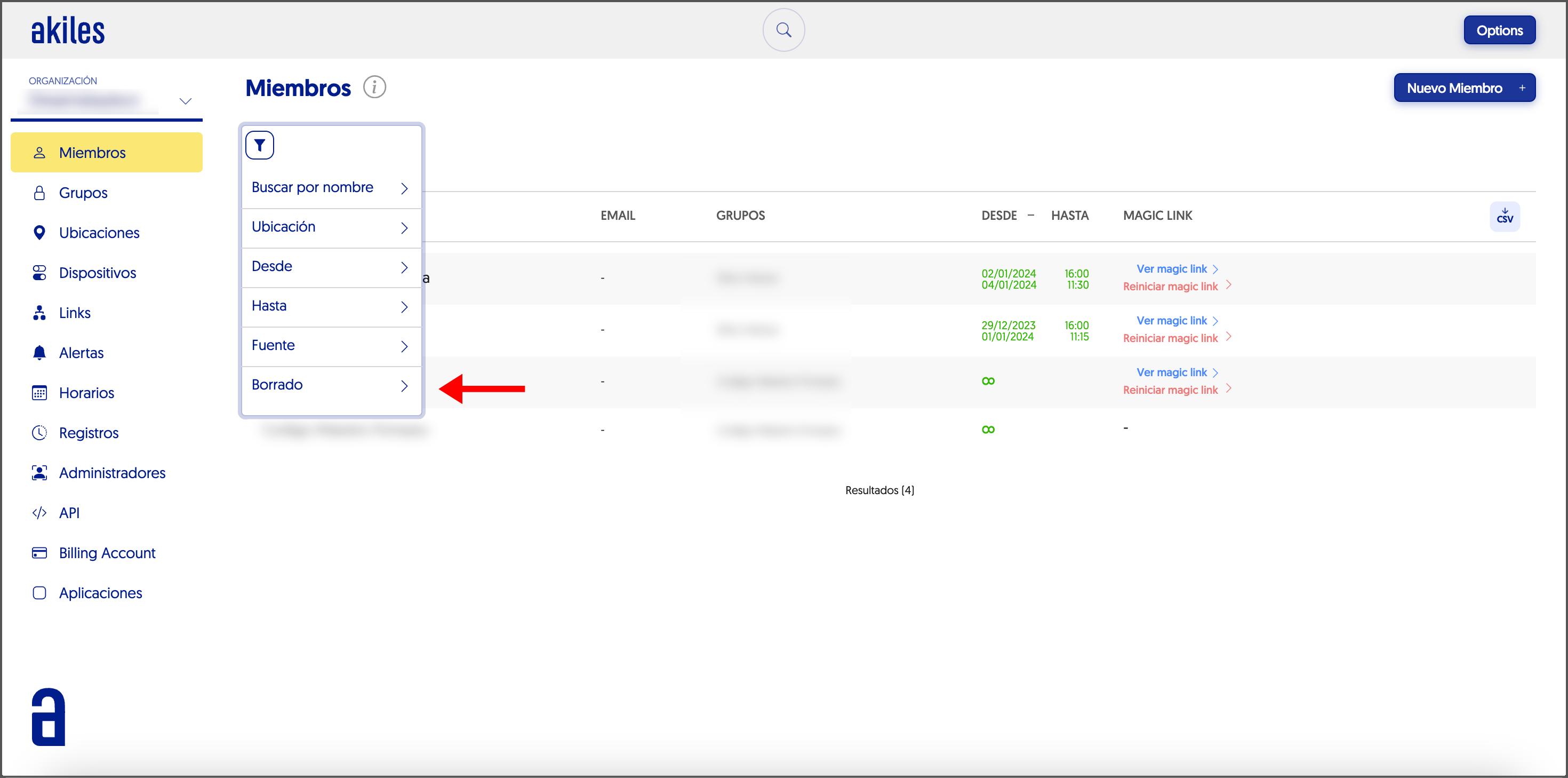
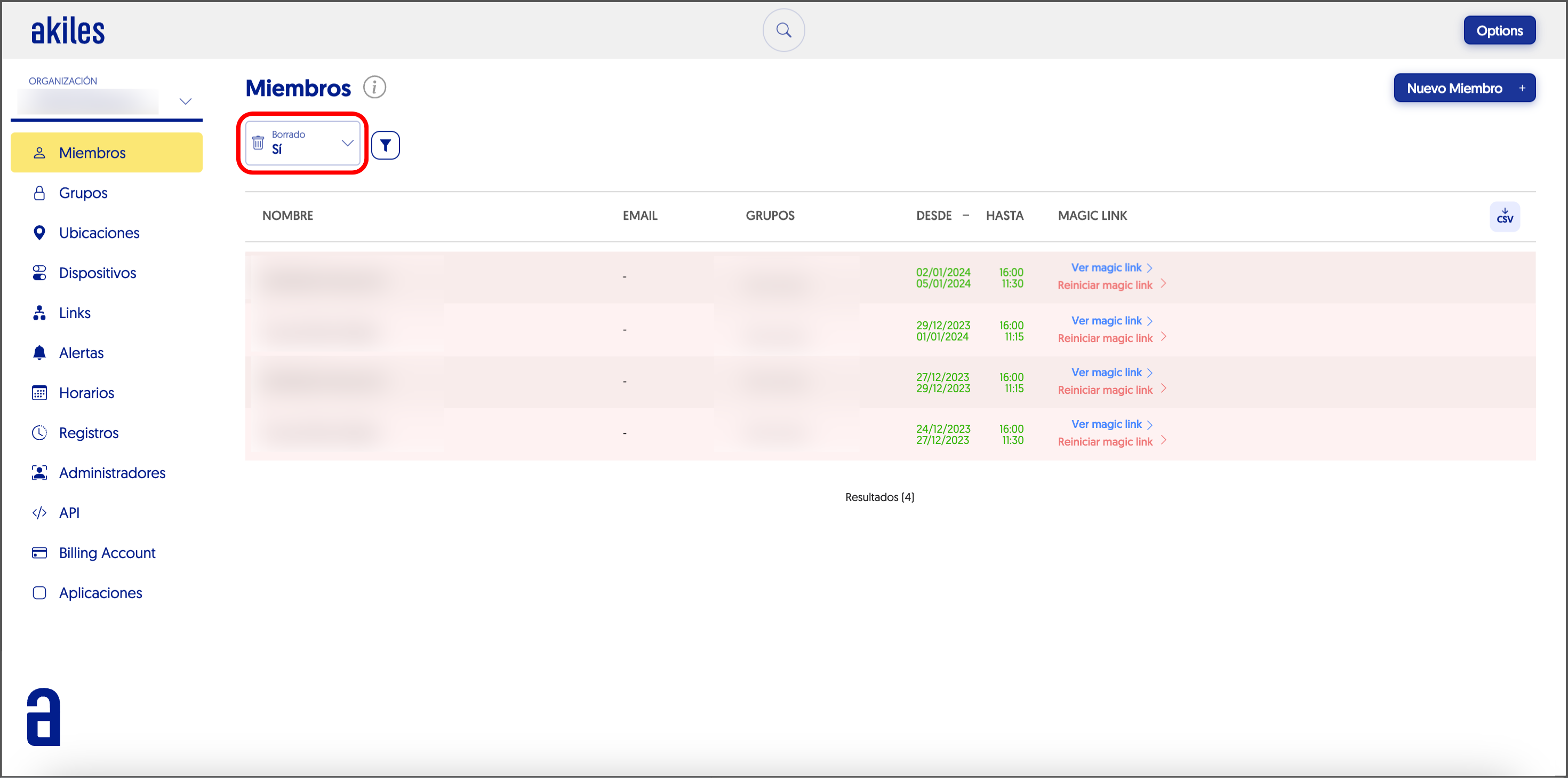
You can also carry out this process from the Members section.
You only need to go to the funnel symbol located in the upper left corner of the section > Deleted > Yes.