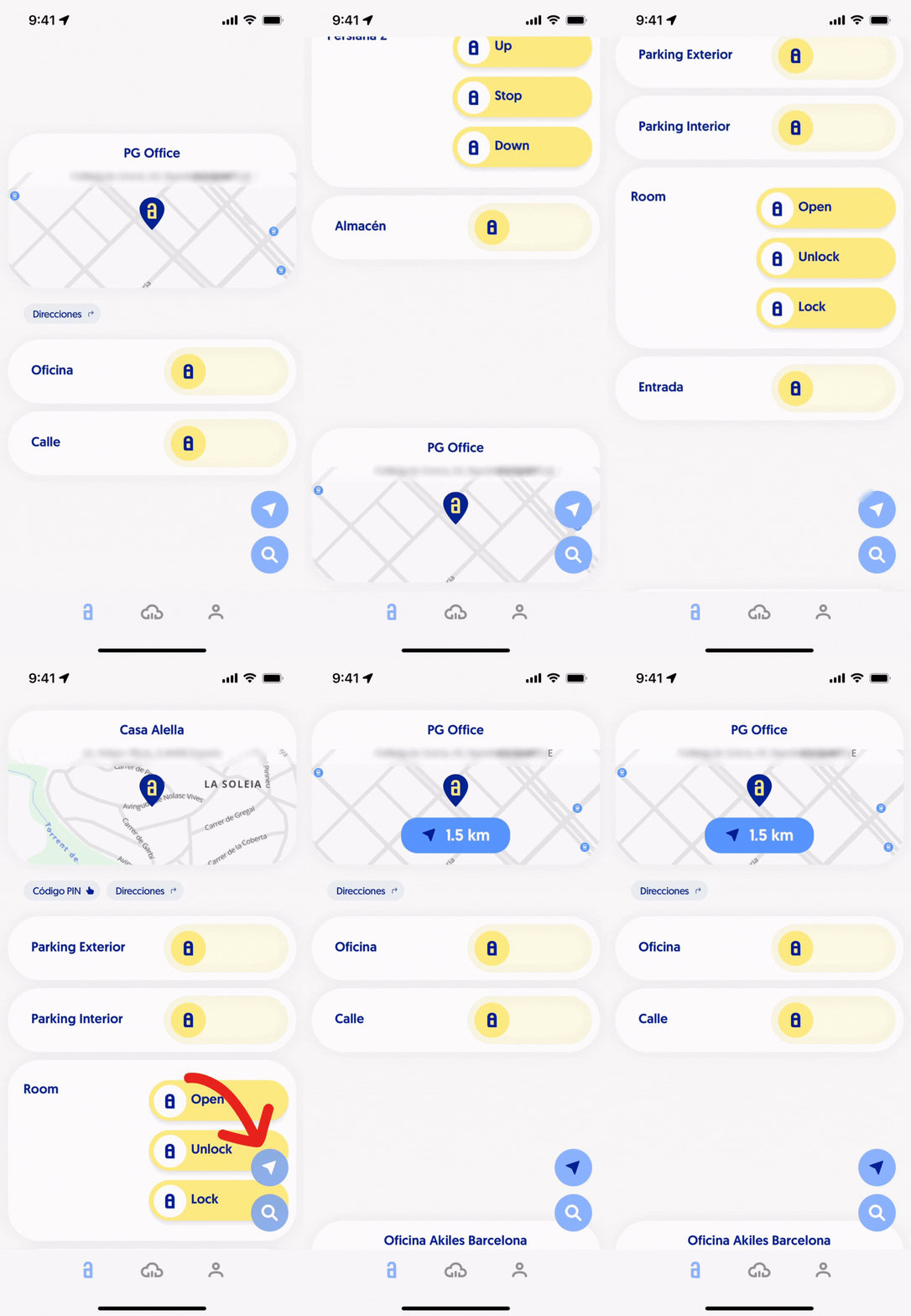
[Q4 2023] Users with access to different sites can now automatically sort them by proximity on the app's main screen
If a user has access to different sites and wants to sort them by proximity, they simply need to click on the arrow located in the bottom right of the app’s main screen.
Immediately after, the sites will automatically sort by proximity using geolocation, with the closest one appearing in first position to the individual.
When sorted, the distance from the user will also appear above each of the sites.