[Q4 2023] Users can now view their access PIN codes directly on the app's home screen
Akiles users can now view their assigned PIN codes directly on the app’s Home screen.
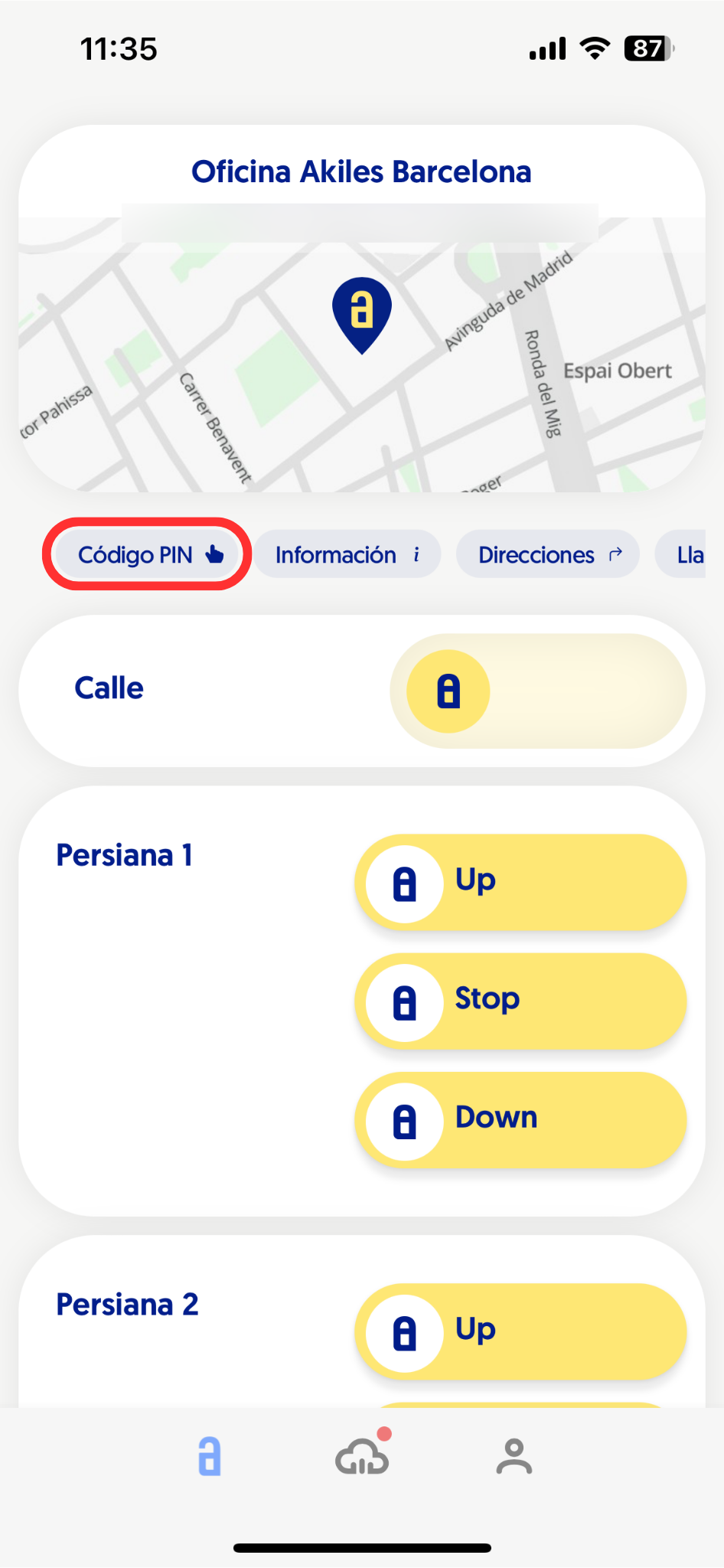
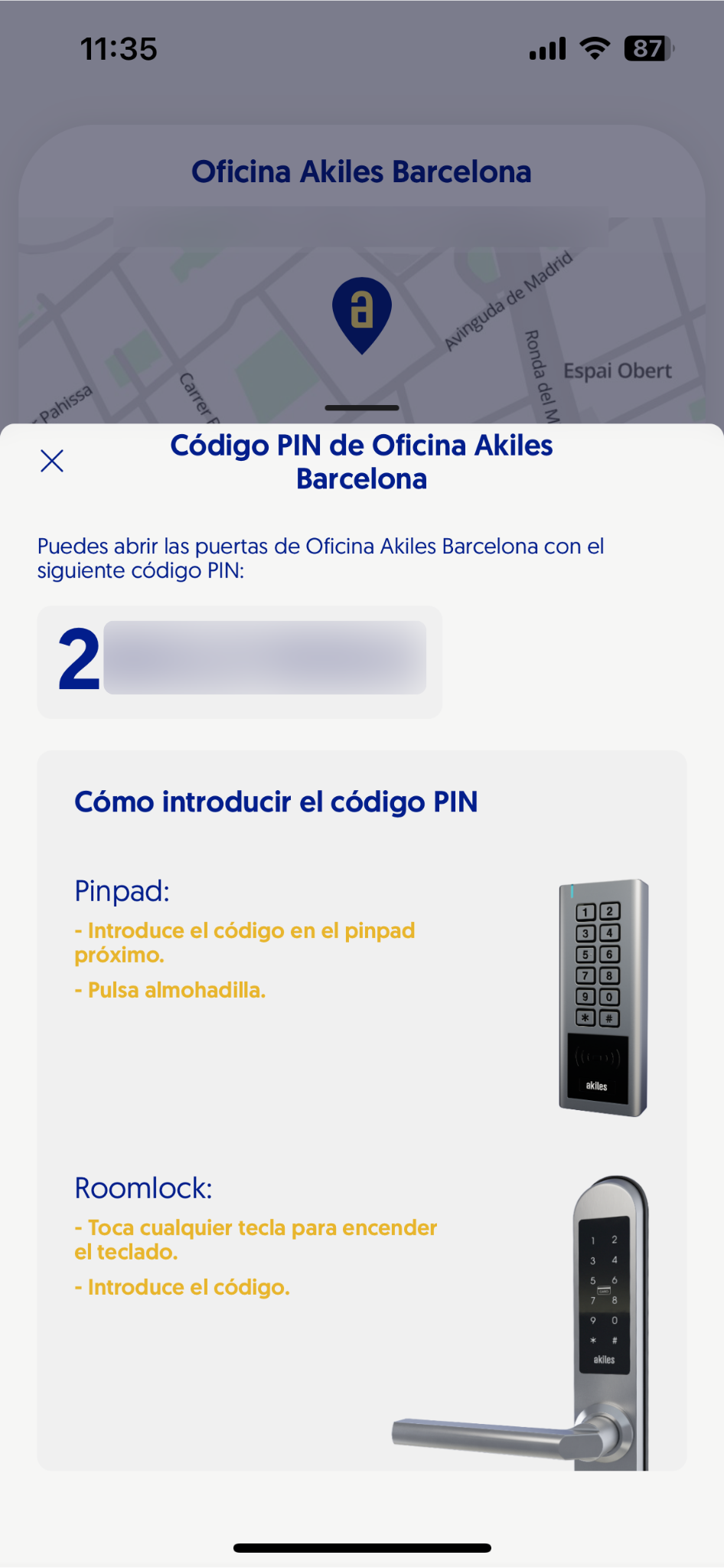
To do this, they simply need to click on the “PIN Code” button that appears on the Home screen below the site map. This will open a dropdown showing the assigned numeric code, along with instructions on how to enter it on the devices they have access to.
You can get more information about how to configure PIN codes for the different members of your organization in the Members documentation.